
CapEx/OpEx Tagging Template Pack
A plug-and-play system for CapEx and OpEx classification
Each activity can be assigned clear, readable tags that tell accounting exactly how to treat each cost.
Quick to implement, you can get this system up and running within a day.


Who is the CapEx/OpEx template pack for?
This tagging template pack is for any organization that struggles to define CapEx and OpEx time entries.
When work is over-capitalized or under-capitalized, financial statements can be distorted, tax treatment can be wrong, and audit risk can rise unnecessarily.
This pack helps organizations move from guesswork and endless chasing for information to a consistent, watertight process.
Finance gets clean data, leaders get visibility into investment vs. operations, and teams get simple rules that are easy to follow.
What Does the CapEx/OpEx Tagging Pack Include?
The pack includes everything you need to roll out a new tagging system within a day:
- A ready-to-use tagging taxonomy
- Practical tagging examples
- Rules to guide tagging decisions (perfect for staff training)
- Guidance for implementing the structure within My Hours
Implement a Smooth Tagging System with My Hours Time and Cost Tracker
Use My Hours to classify CapEx and OpEx the moment the work happens, not after the fact.
Accessible from any device, workers track their time (in real time) and can create fully-classified time entries in a matter of seconds.
Just track, tag, and assign the project and task. That’s it!

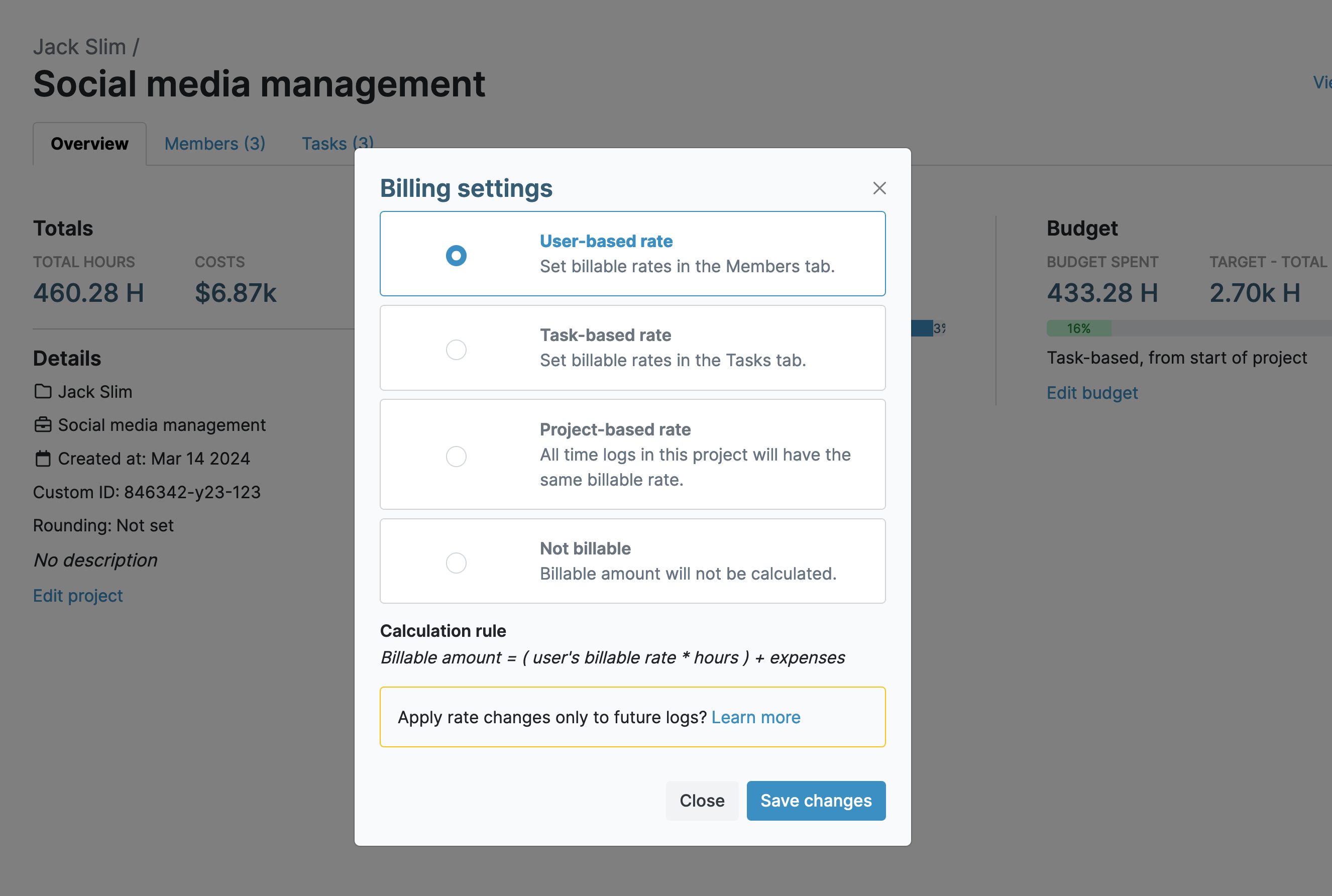
1. Track time and labor costs simultaneously
As time is tracked, so is the user’s hourly labor rate. This gives you accurate costs, down to the last second, for CapEx/OpEx expense reporting.
- Set unique hourly labor rates per user
- View the individual cost of every time entry
- Labor rates are tracked separately from billable rates for clean financial reporting
2. Map time entries to CapEx/OpEx projects and tasks
Every time entry is tied to a defined project and task, removing the need for finance to interpret intent after the fact.
- Use projects to separate capitalizable work from operational activities
- Create tasks to describe specific work outcomes
- Each mapped time entry provides a clear audit trail linking labor to financial treatment
.png)
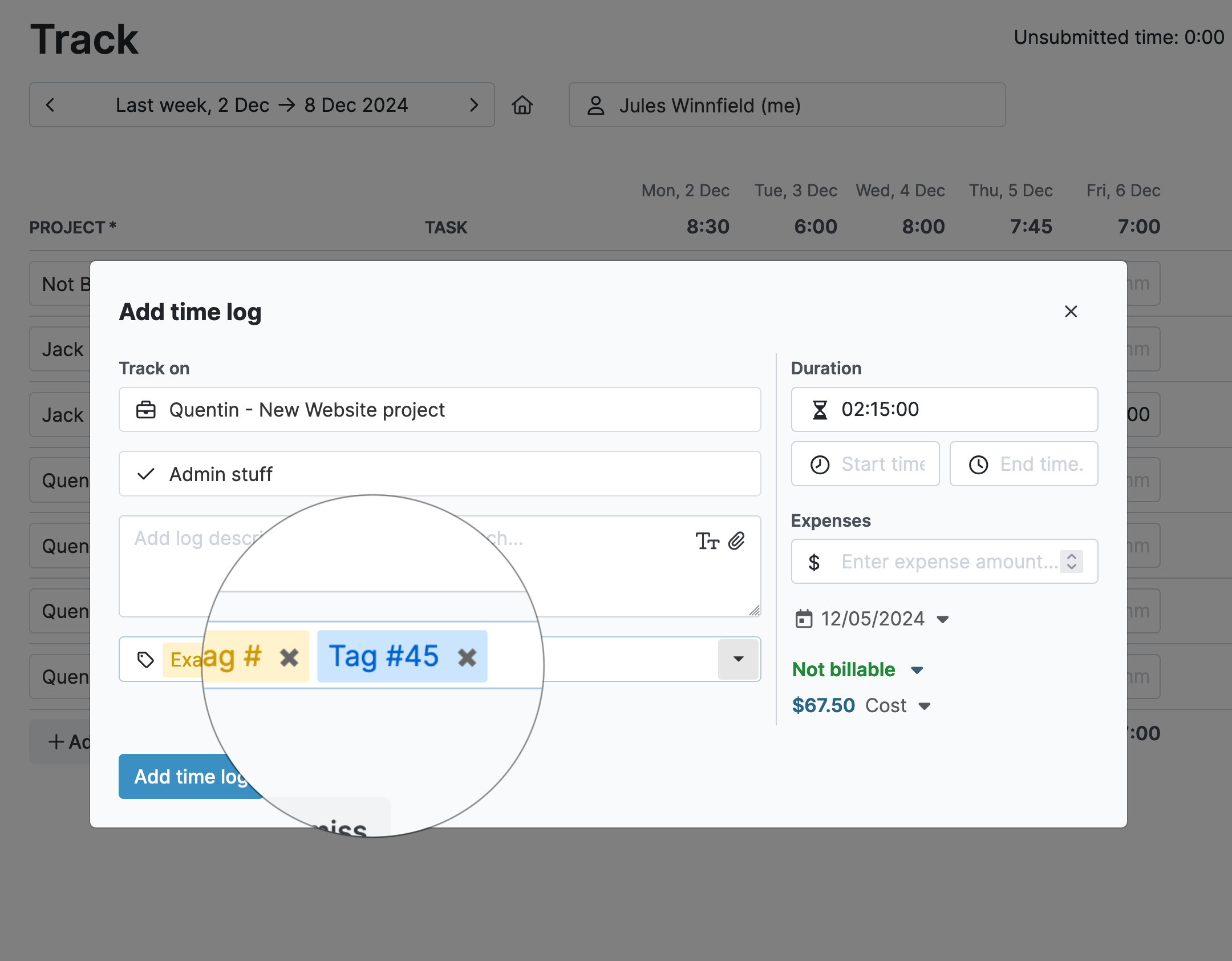
3. Use custom tags and fields to label time entries
Flexible tagging and custom fields add context in a finance-friendly format.
- Use tags to classify OpEx/CapEx, work types, and activity stages
- Custom fields work great for job IDs, cost codes, and more
- Both create a standardized labeling system used across the whole organization
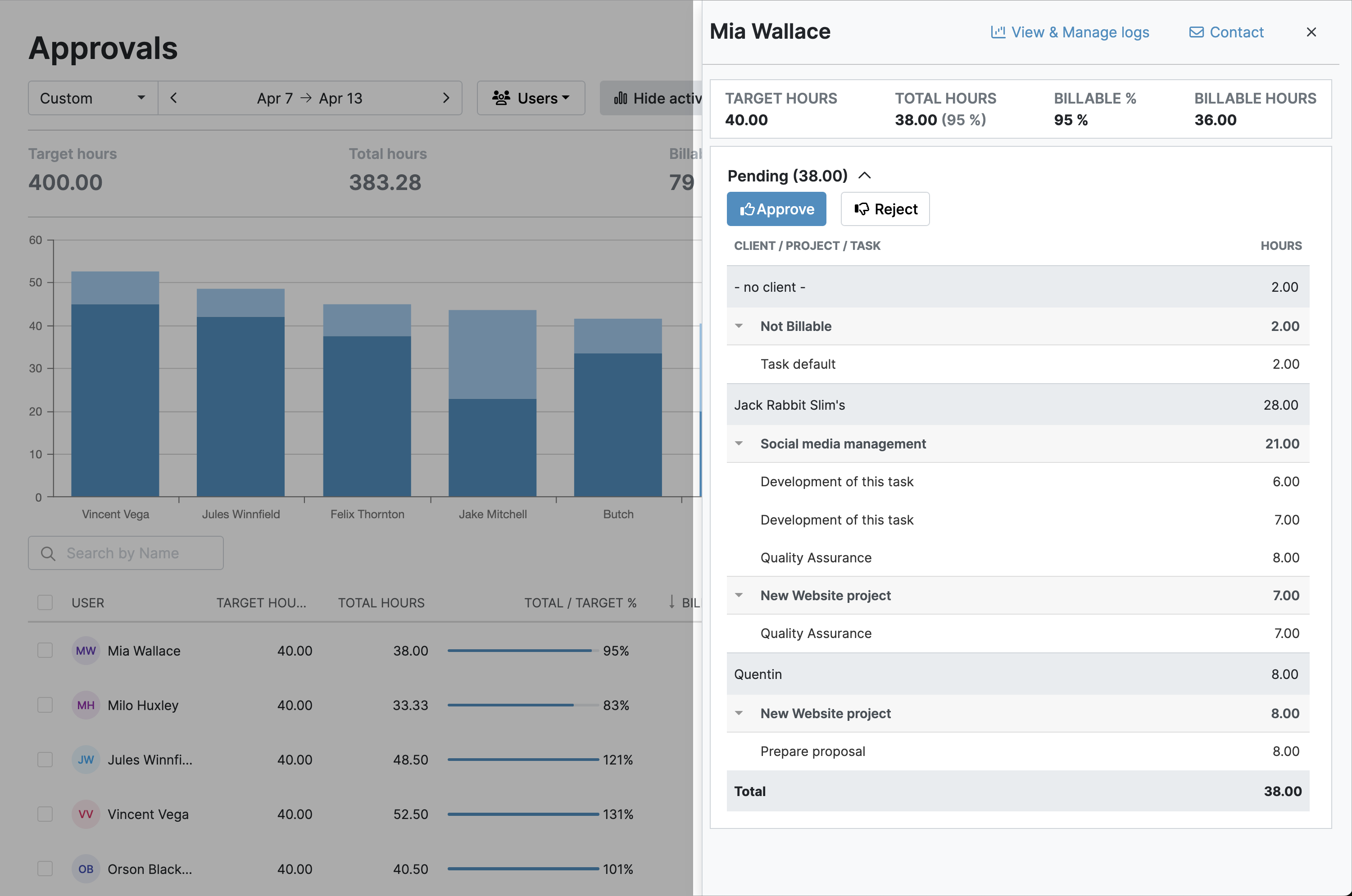
4. Timesheet validation workflows ensure correctness
Built-in, automatic approval steps help confirm that time is tracked and classified properly before it reaches finance.
- Managers are automatically alerted when a timesheet is ready for review
- Reject or approve time entries (or entire timesheets) in one click
- After approval, timesheets are locked, preventing further edits
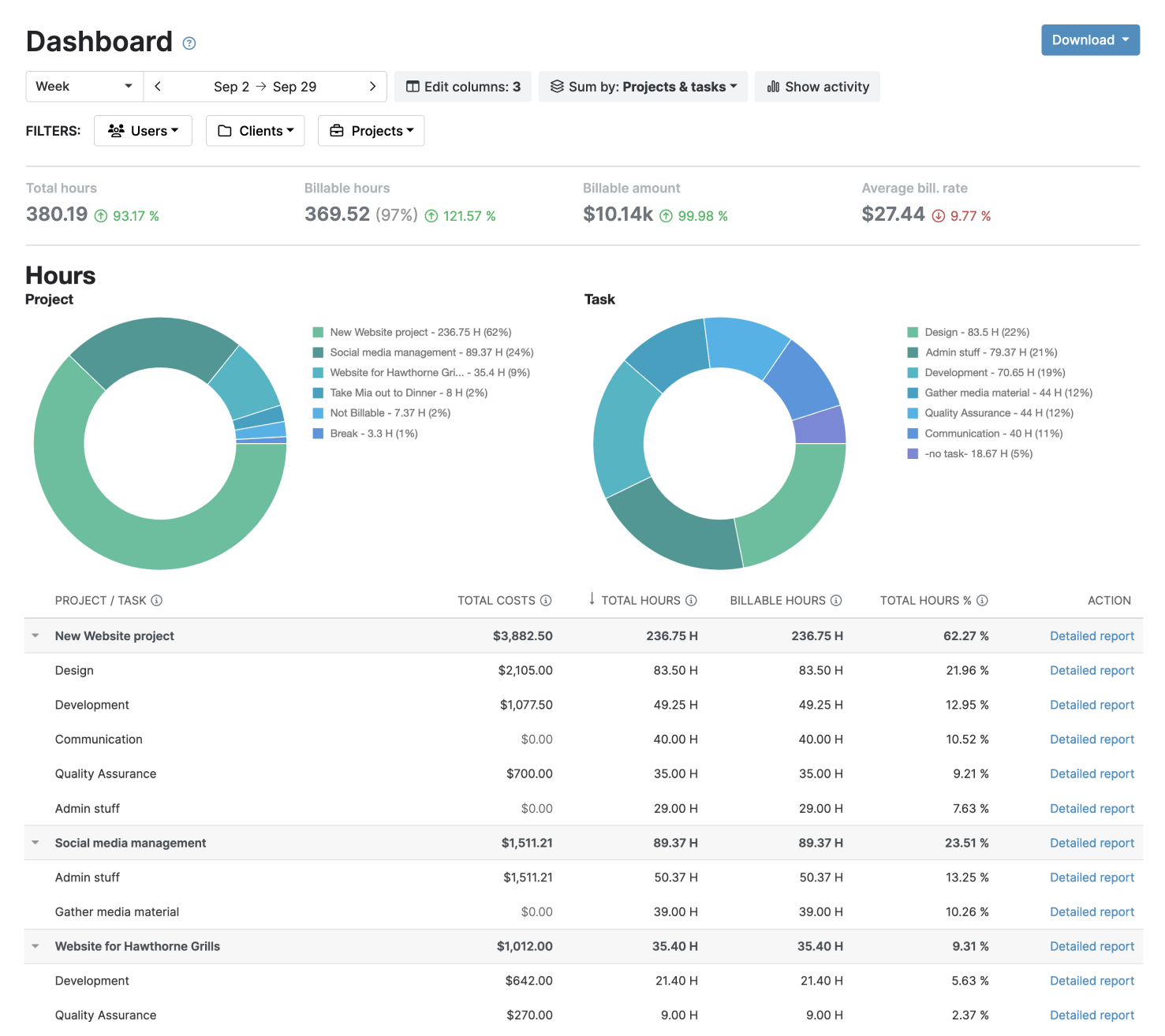
5. Generate finance-ready reports in seconds
Structure the data into clear, exportable reports that support CapEx and OpEx cost allocation and provide audit-ready documentation.
- Create and save custom report settings
- Export reporting data in PDF or XLS formats
- Email reports to accounting teams directly from within My Hours (and schedule to send automatically)

Waste no more time,
jump right in!

All rights reserved.