
Free Employee Attendance Sheet in Excel
Download the template and start filling it out right away
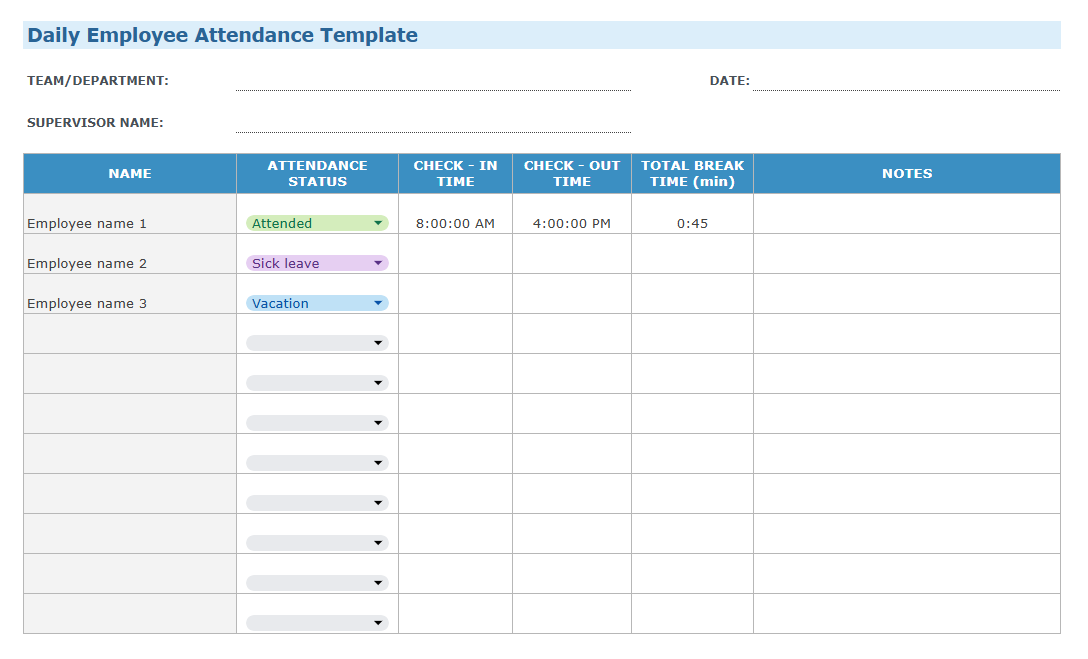
You can pick either a daily or a monthly attendance sheet in Excel, Google Sheets, PDF, or Word complete with built-in formulas, depending on what works better for you.


Why Keep a Staff Attendance Sheet?
A staff attendance sheet provides you with a reliable document that details who’s working, when they’re working, and how consistently they’re showing up. It also records different types of absences when they occur.
Instead of keeping scattered notes or saving emails, a spreadsheet is a structured record that keeps all the data in a single place.
If anyone queries hours worked or claims missing pay, the attendance sheet provides the documentation you need to resolve disputes quickly.
Additionally, for many industries, maintaining attendance records is necessary to stay compliant with labor laws and regulatory frameworks.
How to Use Our Free Template to Log Attendance
The attendance sheet format in Excel contains all the fields you need to capture time and attendance data for each of your employees.
For organizations with larger teams, we recommend using a separate sheet for each team.
Here’s what you’ll find on it:
- Space for department name, supervisor information, and current date
- A column for each employee’s name
- Dropdown boxes for selecting the attendance status
- Columns for check-in and out times
- A column for total time taken for breaks
- Space to add notes
- Overall statistics, giving you totals for each leave and attendance type
Of course, the exact layout of the attendance register in Excel varies a little between the daily and monthly versions.
Daily Attendance Sheet
The daily attendance format in Excel lets you track employee attendance on a day-by-day basis.
This tracker gives you a clear and precise record of who was present, late, or absent on each specific day, making it ideal for workplaces with irregular staffing patterns.
Why choose the daily attendance sheet Excel?
Daily attendance sheets are a great fit for:
- Variable shifts and part-time workers (hospitality, retail, contractors, etc.).
- Industries that require daily sign-ins for regulatory or compliance reasons.
- Companies that want an easy way to spot patterns. Repeated lateness or absence stands out more when you view attendance day by day.
- Organizations looking to simplify payroll for hourly teams. When hours differ, keeping a daily log ensures payroll calculations are more accurate.


Monthly Attendance Sheet
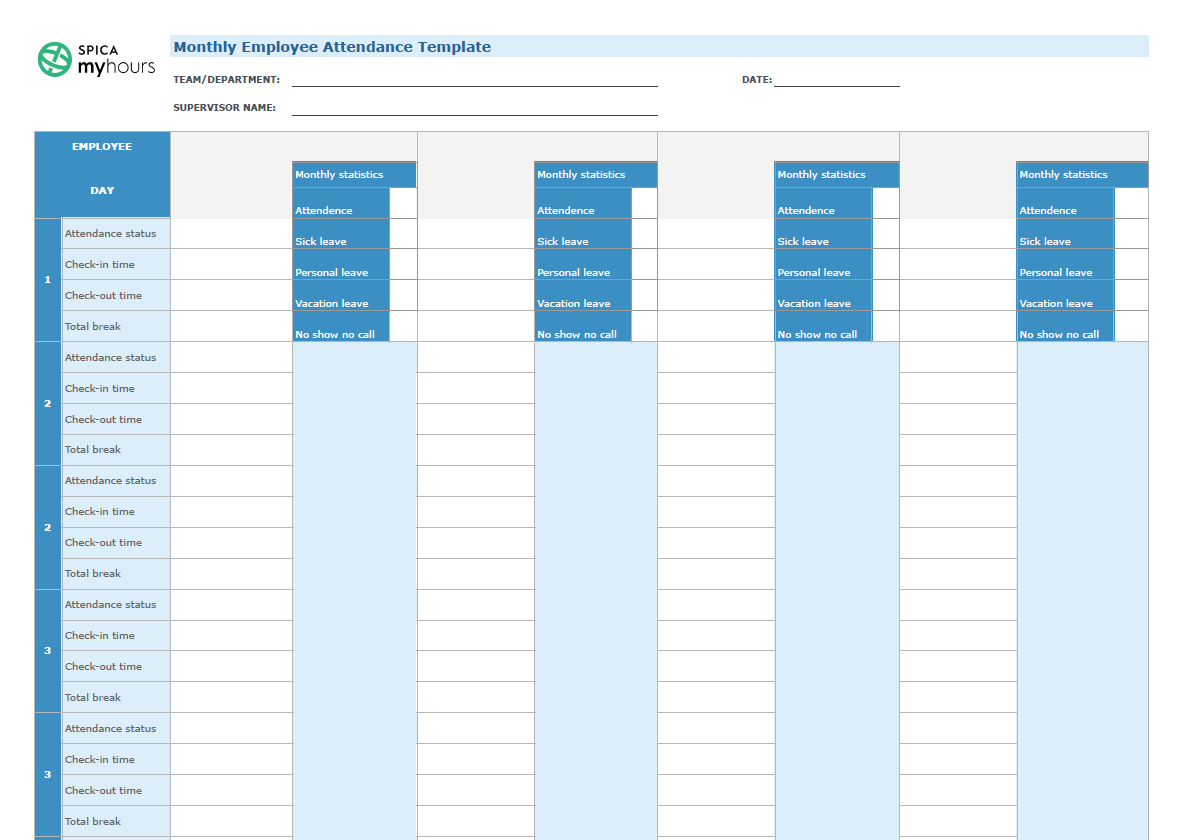
Our employee monthly attendance sheet lets you track employee attendance by month.
Rather than starting with a new sheet each day, it gives you an entire month’s spread, allowing you to view attendance across a greater timeline.
Why choose the monthly attendance tracker Excel?
Monthly attendance trackers work best for:
- Staff who work regular hours or fixed schedules
- Teams that want to deal with fewer spreadsheets
- Less regulated industries where daily timesheets aren’t required
- Organizations that want to analyze data in one hit to spot attendance patterns and trends
My Hours Time and Attendance Tracking Software
You need a more accurate way to track.
My Hours is a digital time tracking software that helps you maintain accurate office attendance records regardless of your organization's size.
Workers can track time on any device, while you get detailed insights into team productivity and work activities.

Precision time and attendance tracking
Using a simple start/stop timer, workers can record activity in real time. For logging time off, entries can also be manually added.
This approach captures every minute of work time.
- For time off, breaks, and absence tracking, set up a client workspace specifically for that purpose.
- Create a project for each leave type (personal leave, PTO, sick leave, etc.)

No more manual spreadsheets
If you do need a spreadsheet version, download timesheets in XLS format in one click.
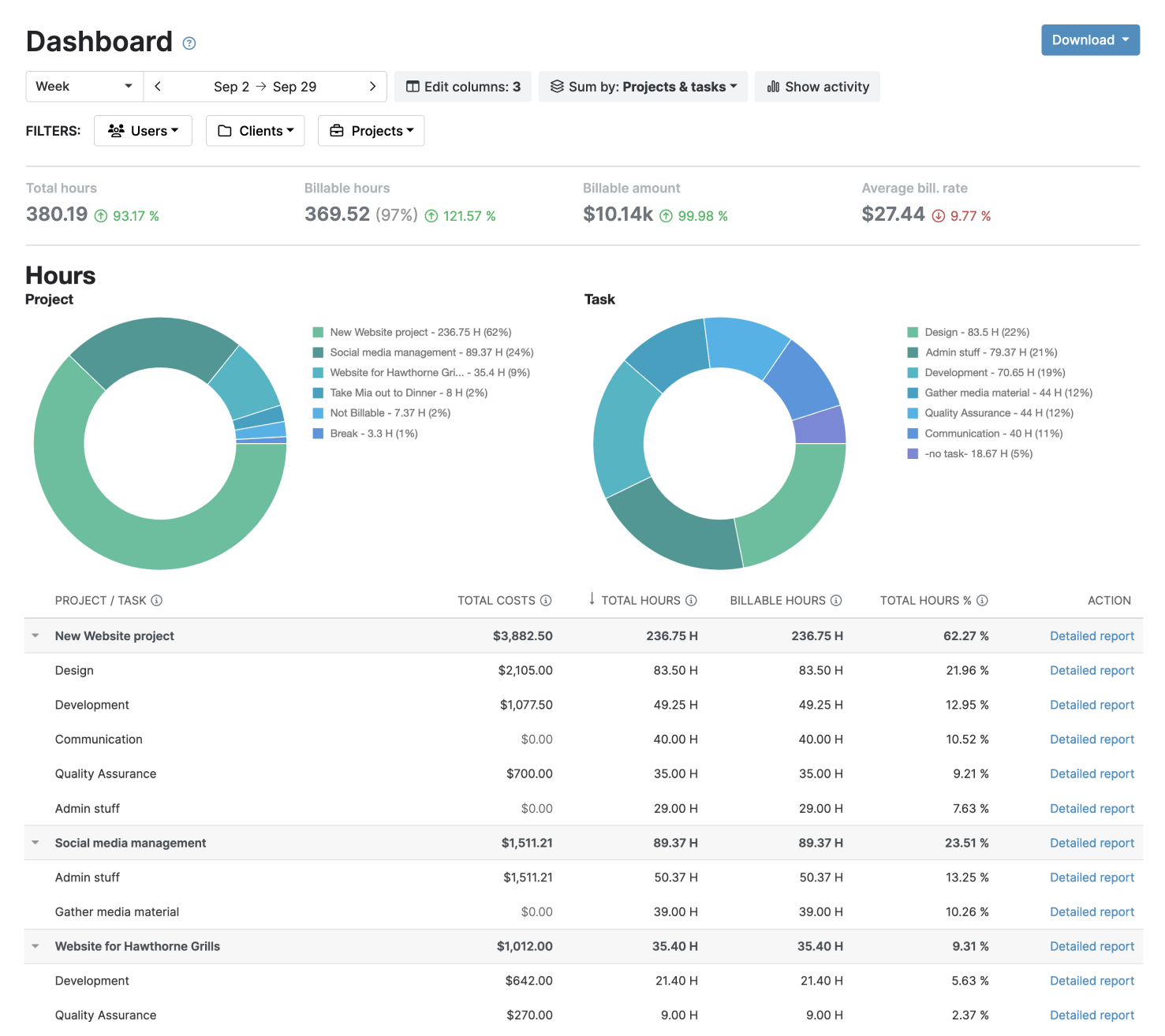
The timesheet report gives you useful insights:
- View by user to get a detailed breakdown of how each worker spent their working day, including insights into labor costs and actual time spent on tasks and absences.
- View by team to gain an overview of team productivity and attendance as a whole.
Helpful alerts for logging attendance
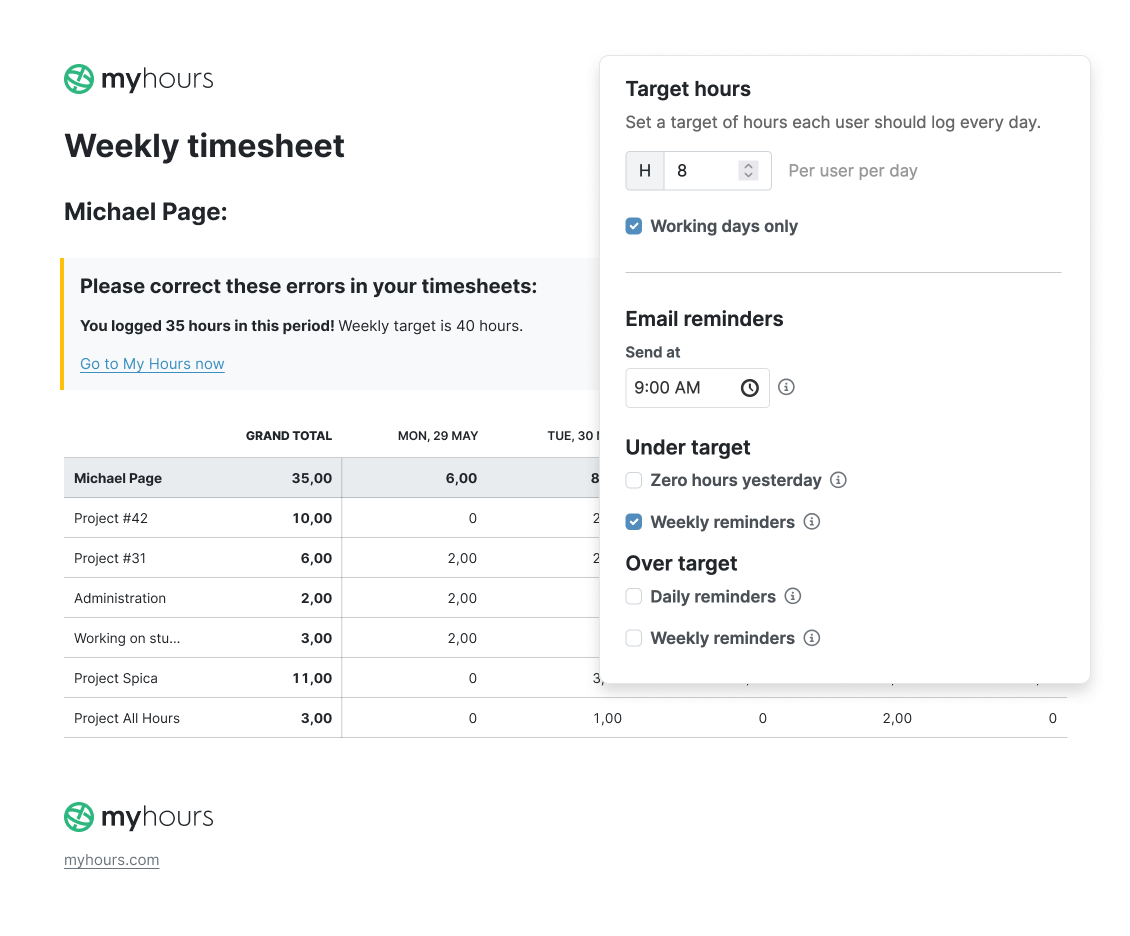
Set daily target hours to control how much time users log:
- Global target hours
- Unique target hours per user.
Receive daily or weekly email reminders when:
- A user forgets to log their time and attendance
- A user logs more than their target hours.
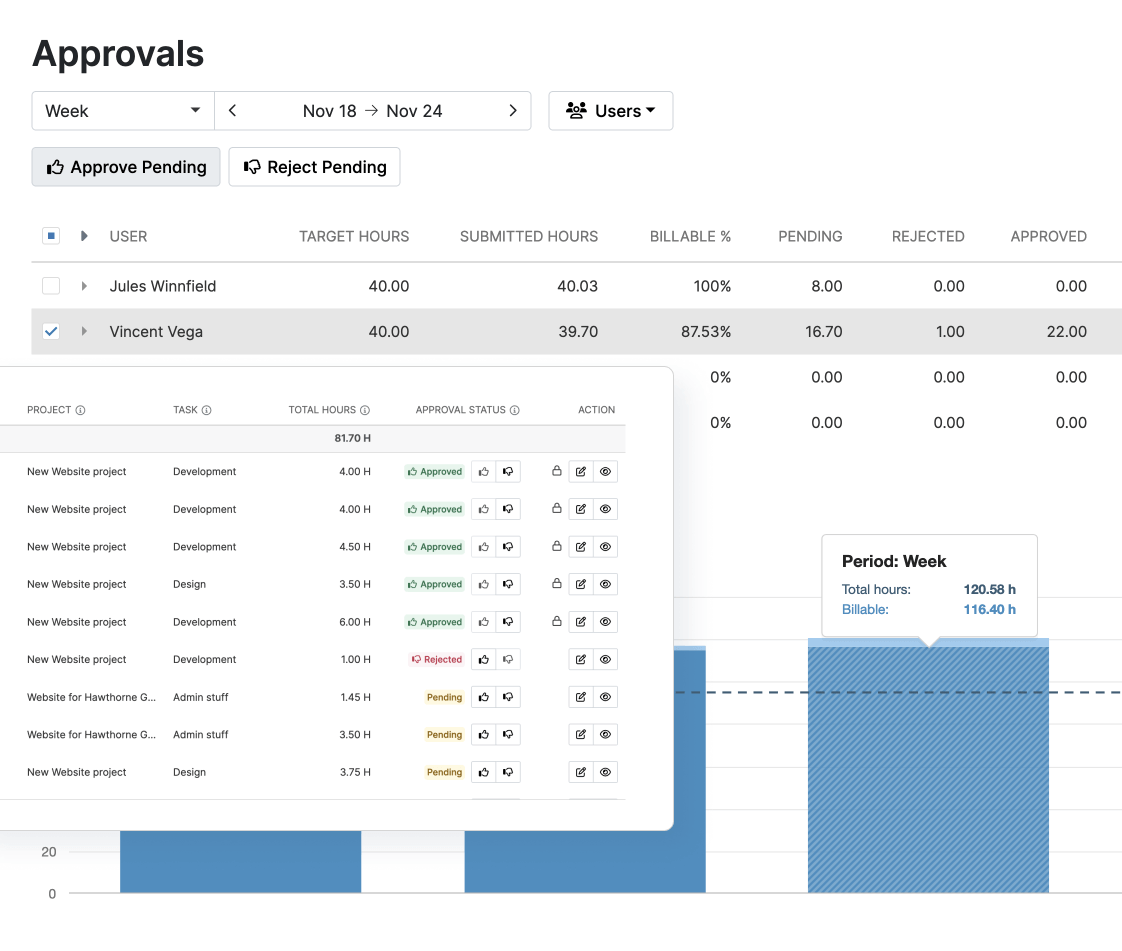
Timesheet validation and approval
Maintain team oversight of attendance by setting up timesheet approval workflows.
The process is automated, so supervisors can approve or reject in one click:
- Timesheets can be automatically submitted for approval, so your workforce doesn't have to remember to do it.
- Supervisors are notified by email the moment a timesheet is awaiting approval.

Waste no more time,
jump right in!

All rights reserved.