
Free Asana time tracking integration
Bring Asana projects and tasks into My Hours for clean timesheets, approvals, and reporting.
- Import your Asana structure
- Keep My Hours in sync with Asana
- Analyze time with powerful reports
- Use smart timesheet approvals

Trusted by more than 100.000 businesses worldwide


Time tracking that matches how Asana teams really work
Track time with a classic weekly timesheet or with the stopwatch.
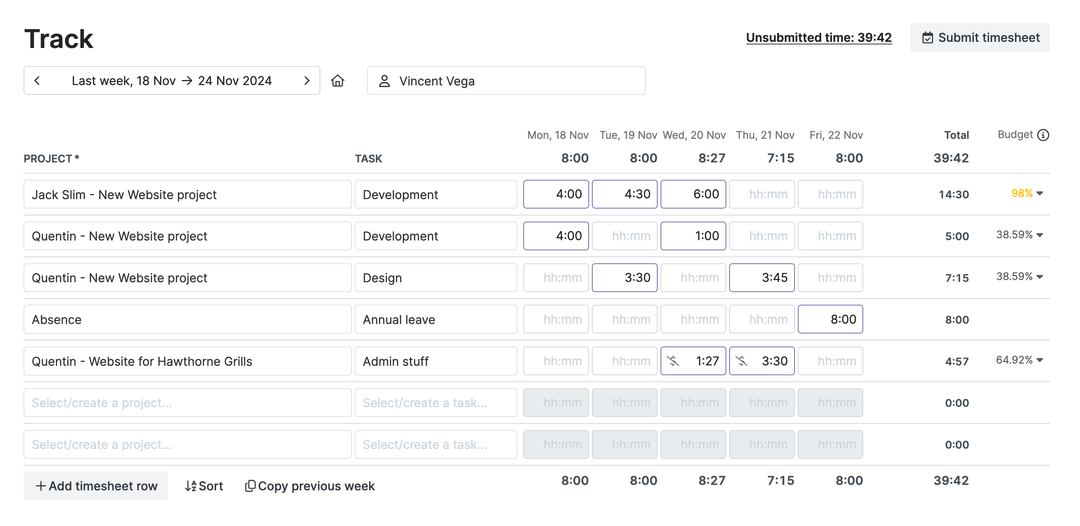
With the timesheet view, your team can quickly fill in hours on Asana projects and tasks without opening each task one by one.
Keep Asana and My Hours in sync without extra admin
My Hours pulls in your Asana projects, sections and tasks so your team can start tracking right away. You don’t have to rebuild your structure by hand.
.png)
If you work in several Asana workspaces, you can also limit the sync to a single workspace ID so only the relevant part of Asana shows up in My Hours.
Clear timesheet approvals on top of your Asana work
Employees log time on Asana tasks in My Hours. Team leads then review and approve the timesheets and lock the period.
-p-1080.png)
Asana stays the place where you plan and assign work. My Hours adds clear time tracking with an approval workflow on top of it.
Turn Asana projects into budgets, rates and invoices
Asana is not a billing tool. My Hours picks up where Asana stops.
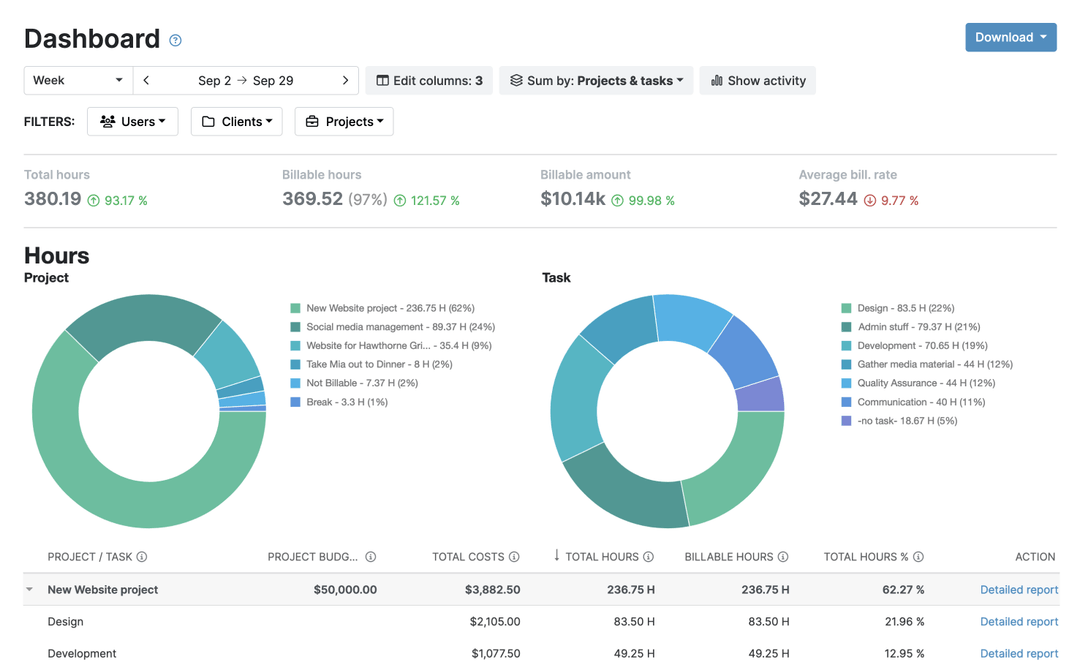
Set project and task budgets to match Asana, choose hourly rates, mark time as billable, and add expenses. Create a report in My Hours to send to clients or export to your accounting tool.
See where your Asana projects really spend time
Break time down by client, project, task, tag, user, or billable status and see how much work actually went into each project

Use reports to track projects budget, compare planned vs. actual time, and show clients exactly where their money went. Save, schedule and export your favorite reports.
1) Connect: Asana to My Hours
.png)
2) Choose: One time import or Ongoing 15 min sync.
.png)
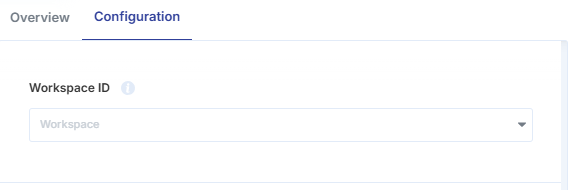
3) Enter a Workspace ID (optional): to limit the scope.
.png)
FAQ
Highest praise from our customers


Waste no more time,
jump right in!

All rights reserved.