
Free Project Tracker Template
for Excel and Google Sheets

Download one of the three available templates and get started right away. Choose between:


Why Use a Project Tracker?
Projects have many moving parts and rarely go according to plan. Priorities change frequently, and deadlines are short. It’s hard to stay on track unless you keep things organized.
A project tracker solves that problem by pulling all of your tasks, deadlines, and deliverables into one central place, and this visibility helps you understand what needs attention (and what doesn’t).
When everyone is on the same page, you can collaborate better and assign tasks and resources more efficiently.
When priorities shift, you can use the tracker to adjust timelines or reassign tasks, and keep everything moving without losing control.
How to Use Our Free Templates for Project Management
All three project management templates are simple to use. The data columns are preset; you simply fill in the details.
While each template differs slightly, here’s what you'll generally find inside:
- Fields to input project managers and task owners
- Space to detail tasks, including space to describe the activity
- Dropdown fields that clearly signal the priority and status of each task
- Fields for deadlines or task start/end dates
- Columns to compare the estimated hours and cost vs. the actual hours and cost
- Space to write additional notes
Each template has a blank version and an example version. The example shows you how the template works so you can see it in action. You’ll also find instructions on a separate tab.
Basic Project Tracker Template
Designed for simple projects that don’t have many tasks.
Why choose the basic project tracker template?
- It’s a great option for small businesses, teams, or solopreneurs who want a quick and easy way to track their deliverables.
- The data columns are straightforward yet provide full insight into activity across multiple mini-projects.
- It keeps everything organized without adding unnecessary detail


Project Task Tracker Template
The project task tracker is designed for a single project.
Why choose the project task tracker template?
- It breaks the project down into separate deliverables or phases.
- It includes a task tracking list for each deliverable/phase.
- Perfect for larger, more complex projects where multiple tasks need to be managed in stages.
- You get a clear structure to plan, track progress, and monitor workload at each phase.

Multi-Project Tracker Template
The multi-project tracker is created for larger teams running multiple projects with tight deadlines.
Why choose the multi-project tracker template?
- It includes columns for assigning both project and task owners, plus the tasks themselves.
- You can input task start and end dates, and the spreadsheet will automatically calculate the duration in days based on those dates.
- With everything laid out in one view, you can prioritize work faster and reassign resources as needed.
- Ultimately, it helps you better balance workloads and ensure that nothing gets forgotten as deadlines loom.

My Hours: Time, Cost, and Project Tracking Software
Manage projects, budgets, and tasks in one place without relying on spreadsheets.
Track time in real time, monitor project progress, and stay on top of costs and deadlines with My Hours.
"I love the ease of use and how it allows me to manage and keep track of time working on various projects and tasks for many different clients."Get My Hours Free
- Brandi P., Project Manager

Organize workloads efficiently
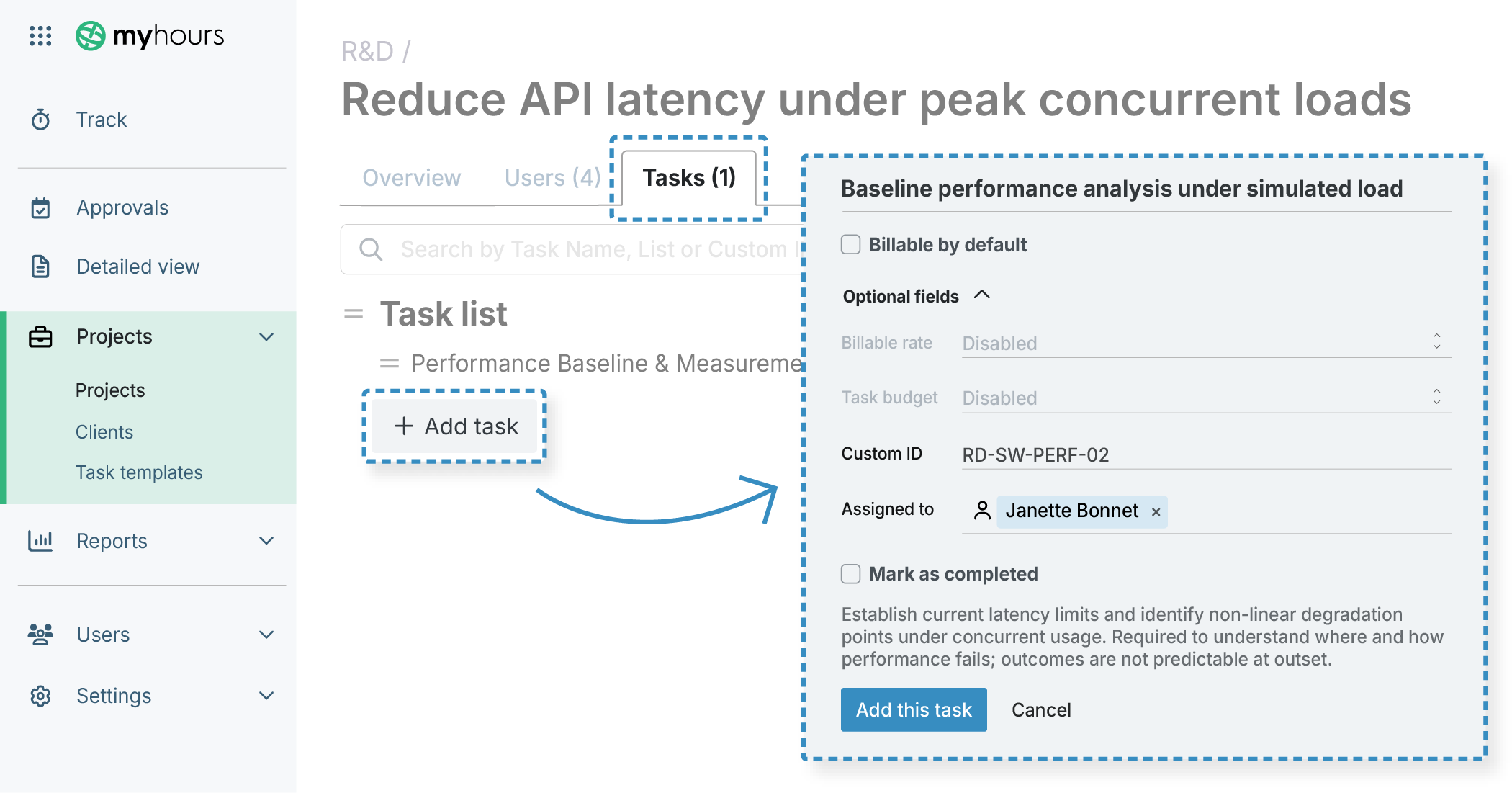
My Hours uses a clients > projects > tasks hierarchy, allowing you to split your workload into organized deliverables.
- Clients act as separate workspaces.
- Within a client, you can create projects, tasks and task lists.
- Users can only track time against their assigned projects and tasks.

Waste no more time,
jump right in!

All rights reserved.