
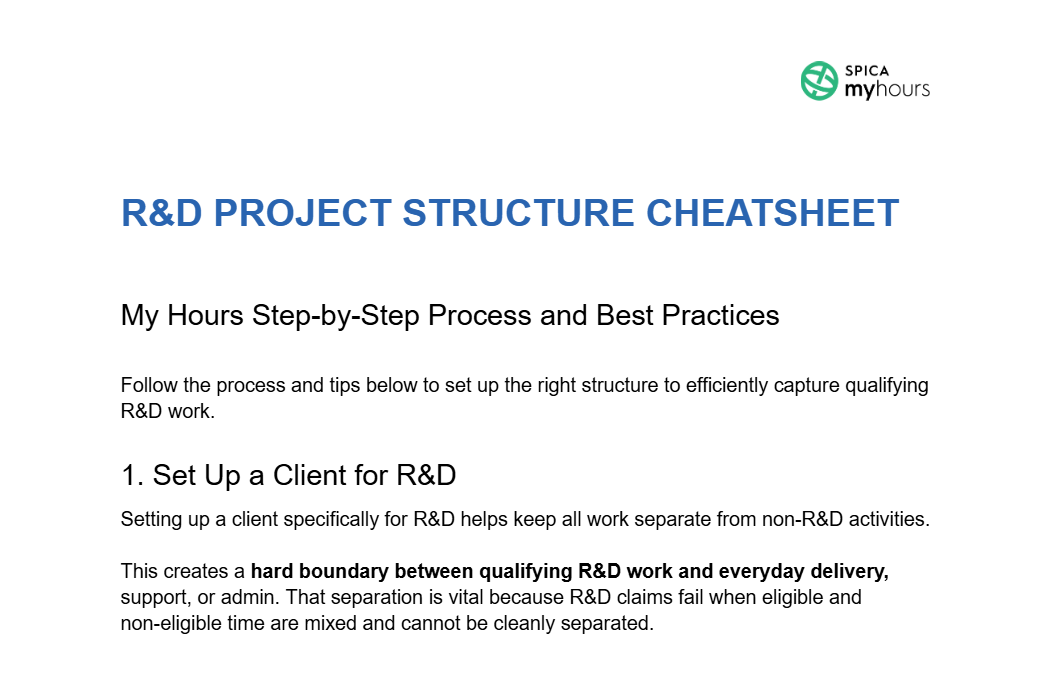
R&D Project Structure Cheatsheet
Set up the Client → Project → Task structure in My Hours


Who is this R&D Project Structure Cheatsheet for?
This cheatsheet was designed for organizations that claim (or plan to claim) the R&D tax credit.
Time tracking is one area that must be done consistently and correctly, yet it’s also an area where teams struggle to log sufficient detail or follow a consistent process.
Therefore, R&D teams can use this information to ensure their project and task structures are formatted correctly and that time entries remain defensible and contemporaneous.
How to Use Our Free R&D Project Structure Cheatsheet
Our free cheatsheet contains step-by-step instructions on how to set up client > project > task hierarchies in My Hours.
However, by following the information, tips, and best practices it can be easily adapted to any time tracking software.
Here’s what it contains:
- Reasons why clients, projects, tasks, and tags must be used
- How to correctly name projects and tasks
- What should be included within project and task descriptions
- How to properly structure IDs and custom tags
- Pitfalls to avoid
R&D tax credit–compliant time tracking software
My Hours is digital time tracking software that offers a compliant way to track R&D time and costs.
Timesheets are directly linked to qualified R&D activities, providing clear and correct information for Section 41 tax credit claims.

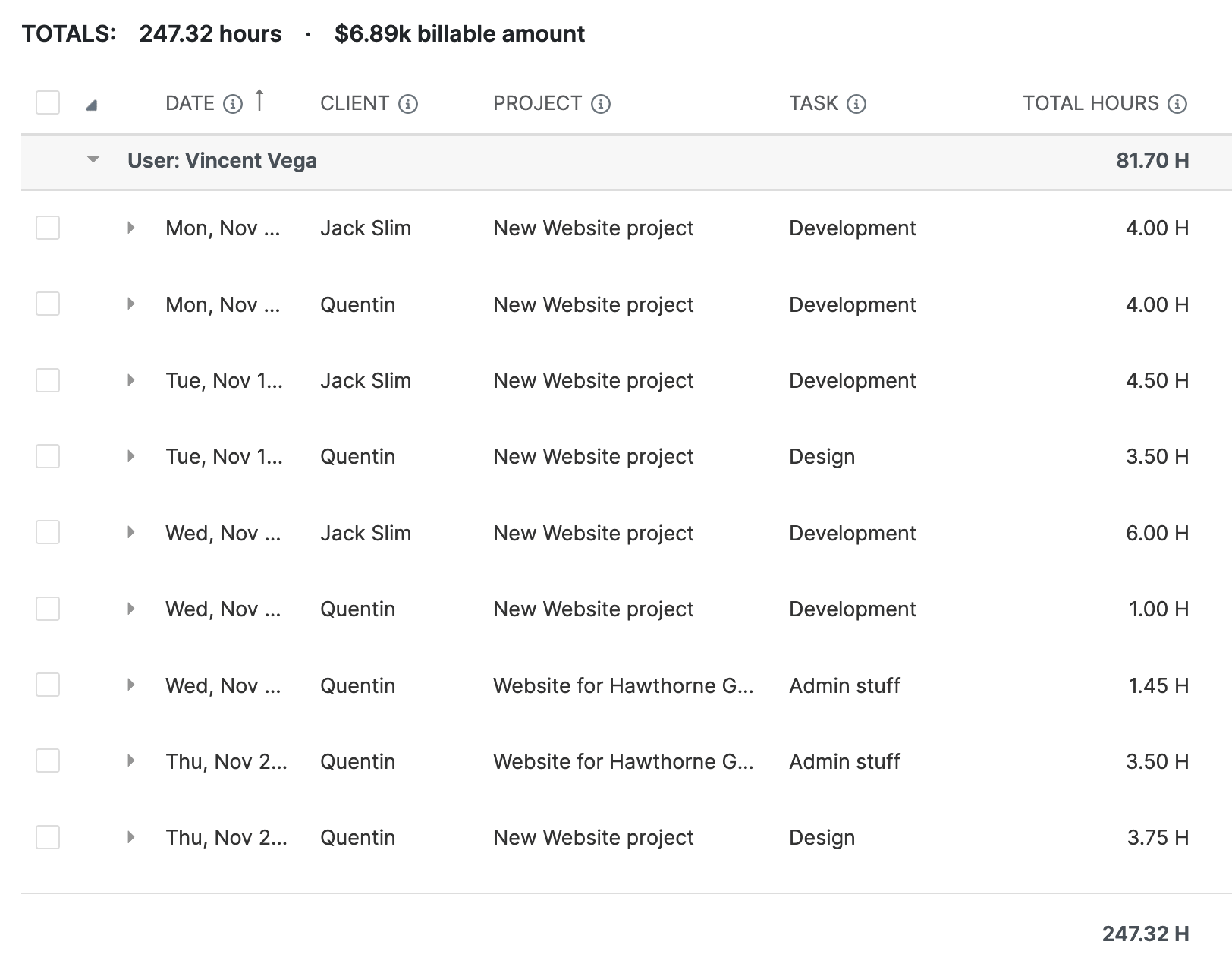
1. Clear project and task hierarchies
Quickly set up a clear and identifiable structure for R&D-specific workloads:
- Create clients to separate R&D activities from non-R&D work
- Projects and tasks define business components and investigative activities
- Task lists keep large R&D projects organized
2. Custom fields and tags
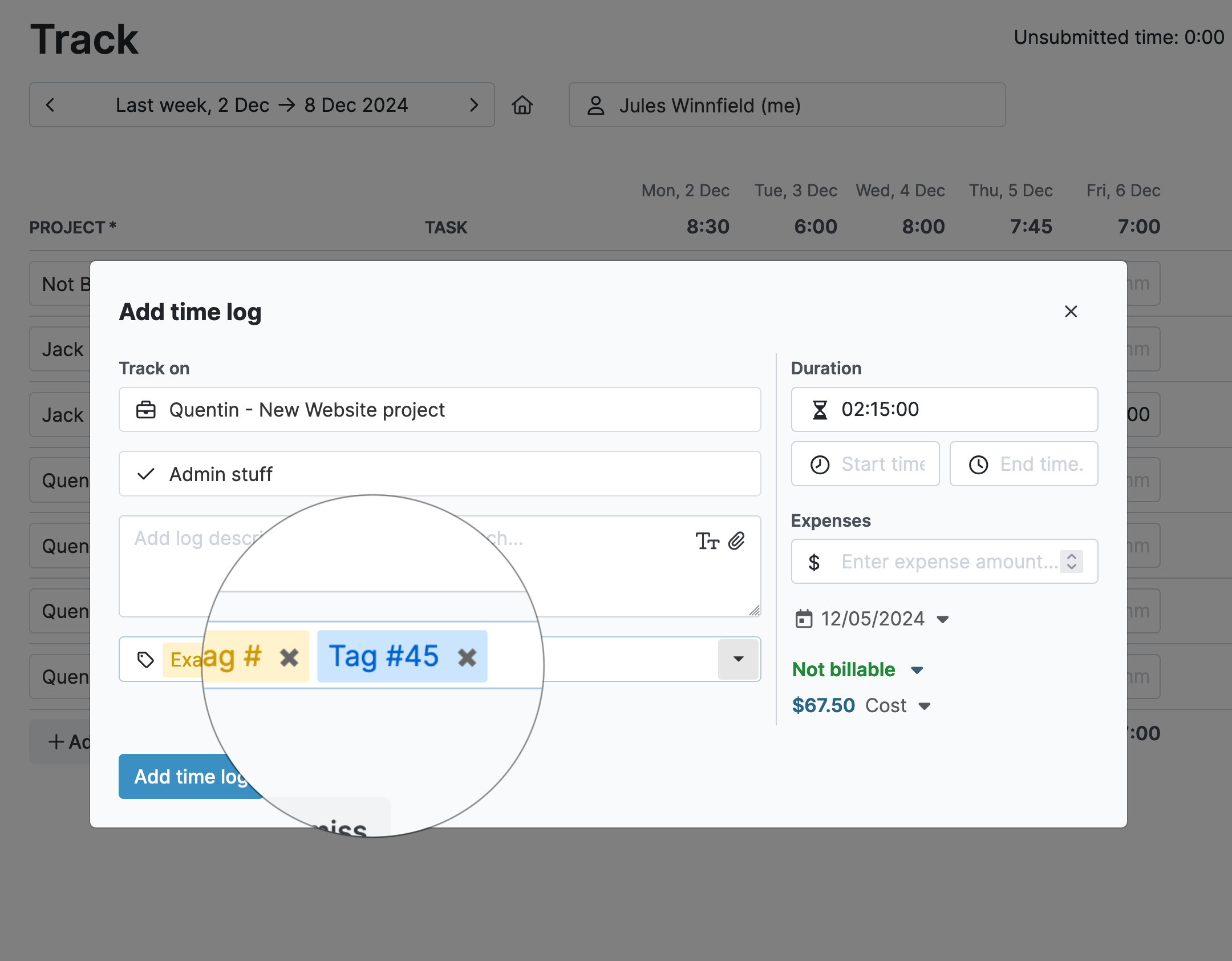
Build a strong framework of identifiers to use for classification and reporting:
- Custom ID fields reference work types and create a nexus between time tracking and other documentation
- Custom tags distinguish between Section 174 and Section 41 claims
- Custom tags also act as lightweight classifiers for work types, domains, and cost centers
3. Real-time cost and time tracking
Time is tracked in real-time using the start/stop timer on any device:
- Time entries are directly linked to user, client, project, and task
- Labor rates are tracked alongside time for accurate R&D cost totals
- Add descriptions and document links to time entries to substantiate that expenditure is eligible for the credit

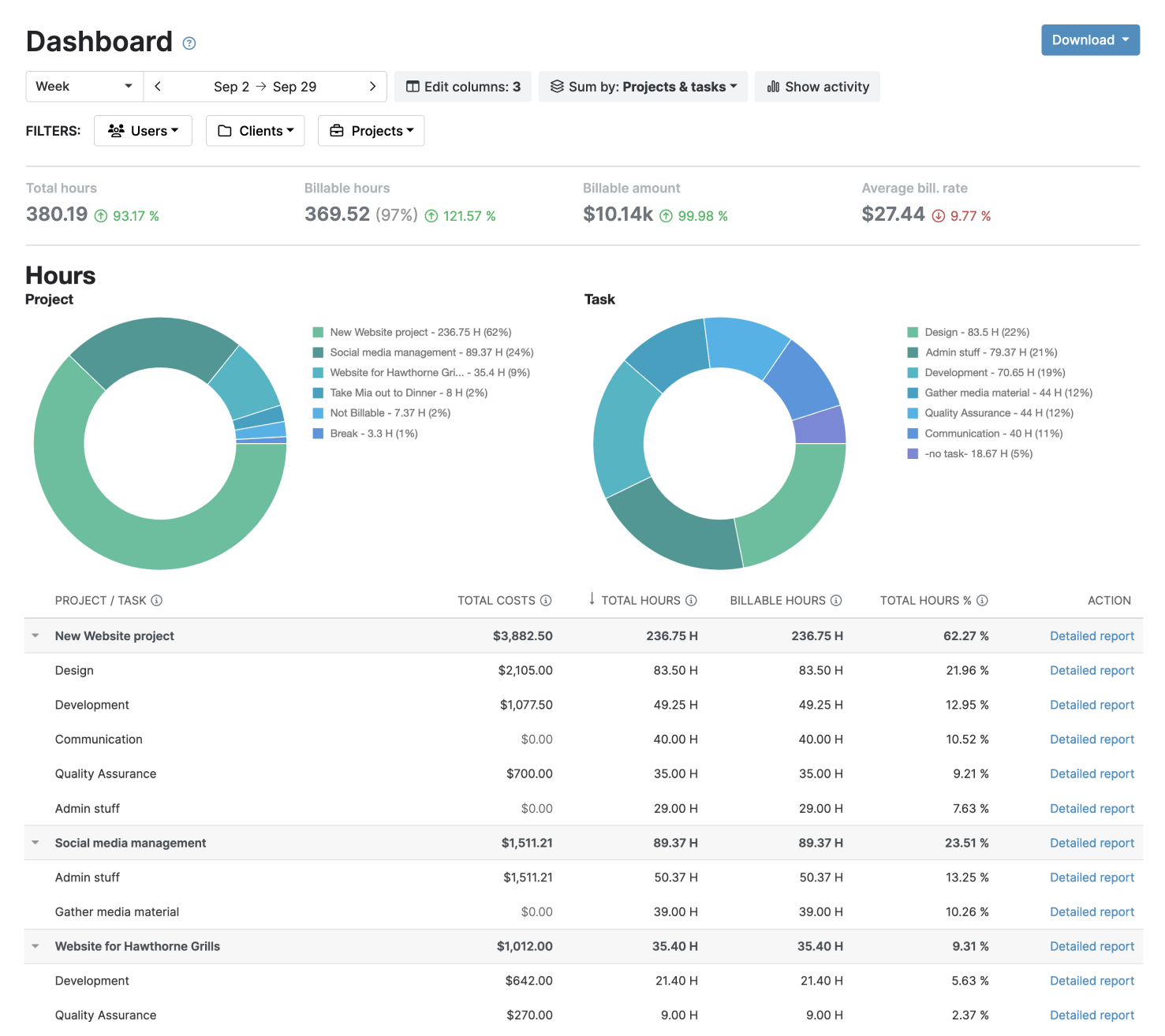
4. In-depth reports
- Multiple filtering options (including by tag and custom ID) provide the right insights
- An audit log provides a running report of all activity within My Hours
- Export reports in PDF or XLS format

Waste no more time,
jump right in!

All rights reserved.