
DCAA Audit Documentation Guide
Download a ready-to-use checklist of documentation needed to stay audit-ready
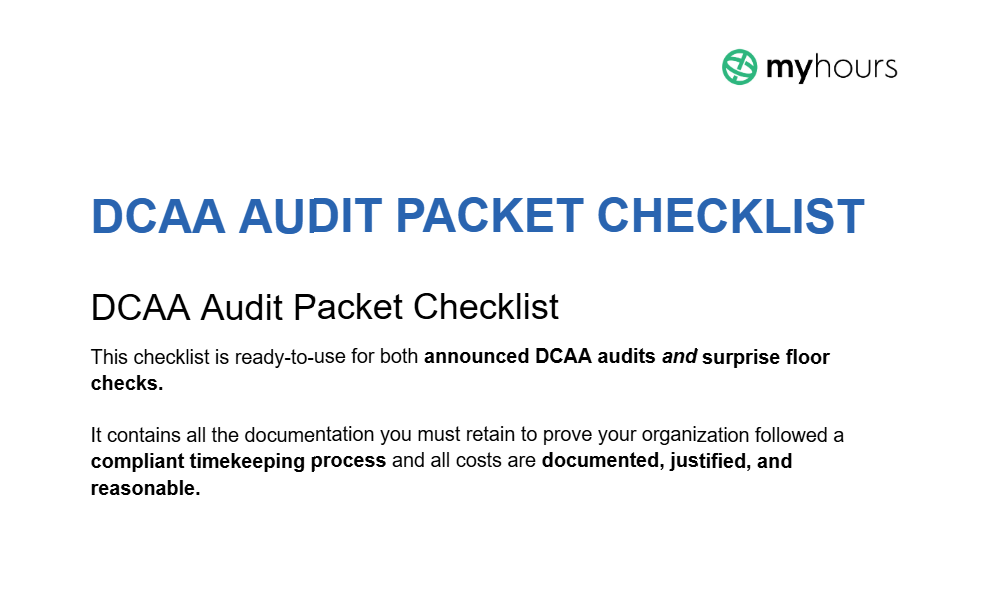
It includes:
- a comprehensive list of required documentation
- recommended file formats and cadence.
Designed for quick retrieval during surprise audits, this framework allows you to respond to time-sensitive requests with ease.


Why Use Our DCAA Audit Packet Download?
All government contractors have to comply with the Defense Contract Audit Agency (DCAA) and the Federal Acquisition Regulations (FAR).
This means that every cost tied to government spending must be documented, reasonable, and justified.
Because of this, audits are frequent, and auditors expect organizations to have the requested information on hand and in the desired formats.
This checklist leaves no stone unturned and helps you to set up a documentation system that keeps everything up-to-date and compliant.
What’s Included in the Audit Packet Download
The downloadable document contains the following helpful sections:
- A complete documentation checklist with file formats and cadence
- Recommendations for compiling a monthly audit packet
- Minimum record retention periods
- A suggested folder and file structure
My Hours DCAA Compliant Digital Time Tracking Software
1. Daily real-time capture
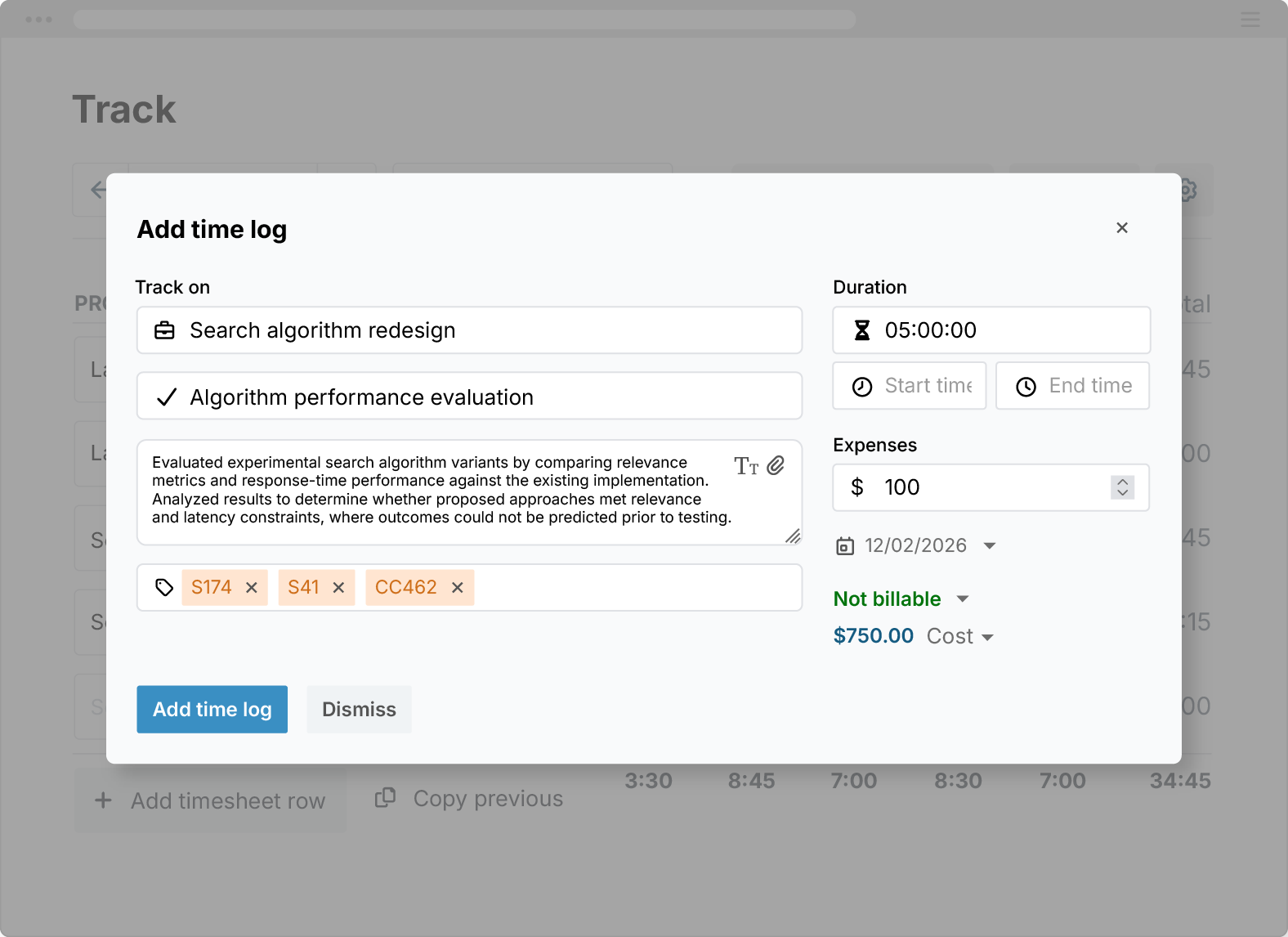
The start/stop timer allows workers to capture their hours in real-time. This, in addition to manual time entry, enables simple daily time capture.
- Track time on any device: Android, iOS, Chrome, Firefox, and Edge
- Automatic timesheet submission prevents late or missing data
- Labor costs are tracked with time for accurate accounting and payroll data

2. Link time entries to charge codes and projects
Each time entry can be mapped to specific indirect/direct charge codes and linked to government contract work.
- Set time entry fields to mandatory completion to prevent missing information
- Custom tags enable easy charge code allocation and work type definition
- Track project/contract codes using custom fields
3. Documented approval and adjustment workflows
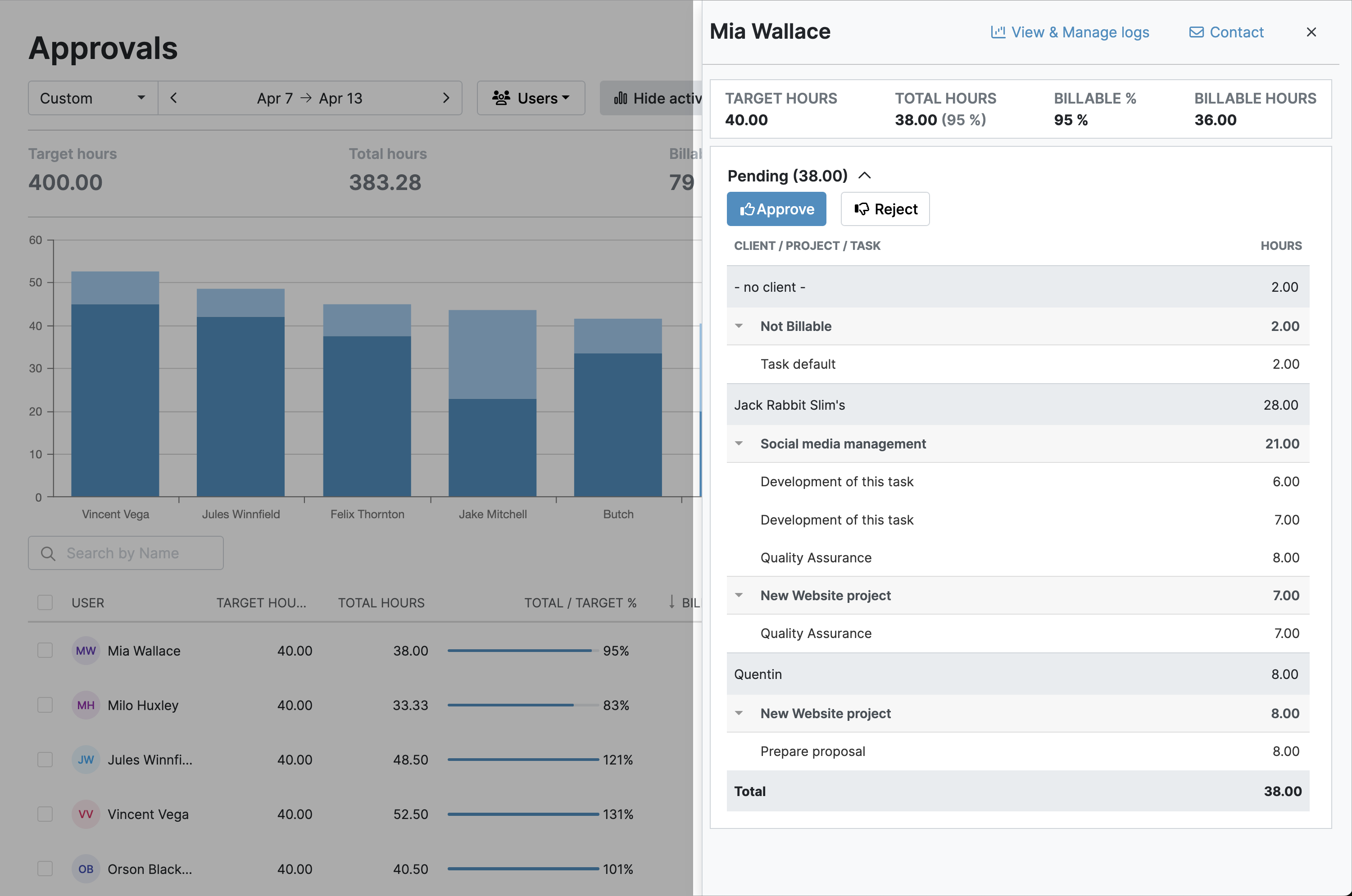
Set up documented timesheet approval workflows, ensuring each time entry is validated and carries managerial sign-off. After approval, timesheet data is locked, preventing further access.
- Entire timesheets or individual time entries can be approved or rejected in one click
- All timesheet adjustments are documented and timestamped
- Export the approvals log into XLS format
4. Detailed, instant reporting
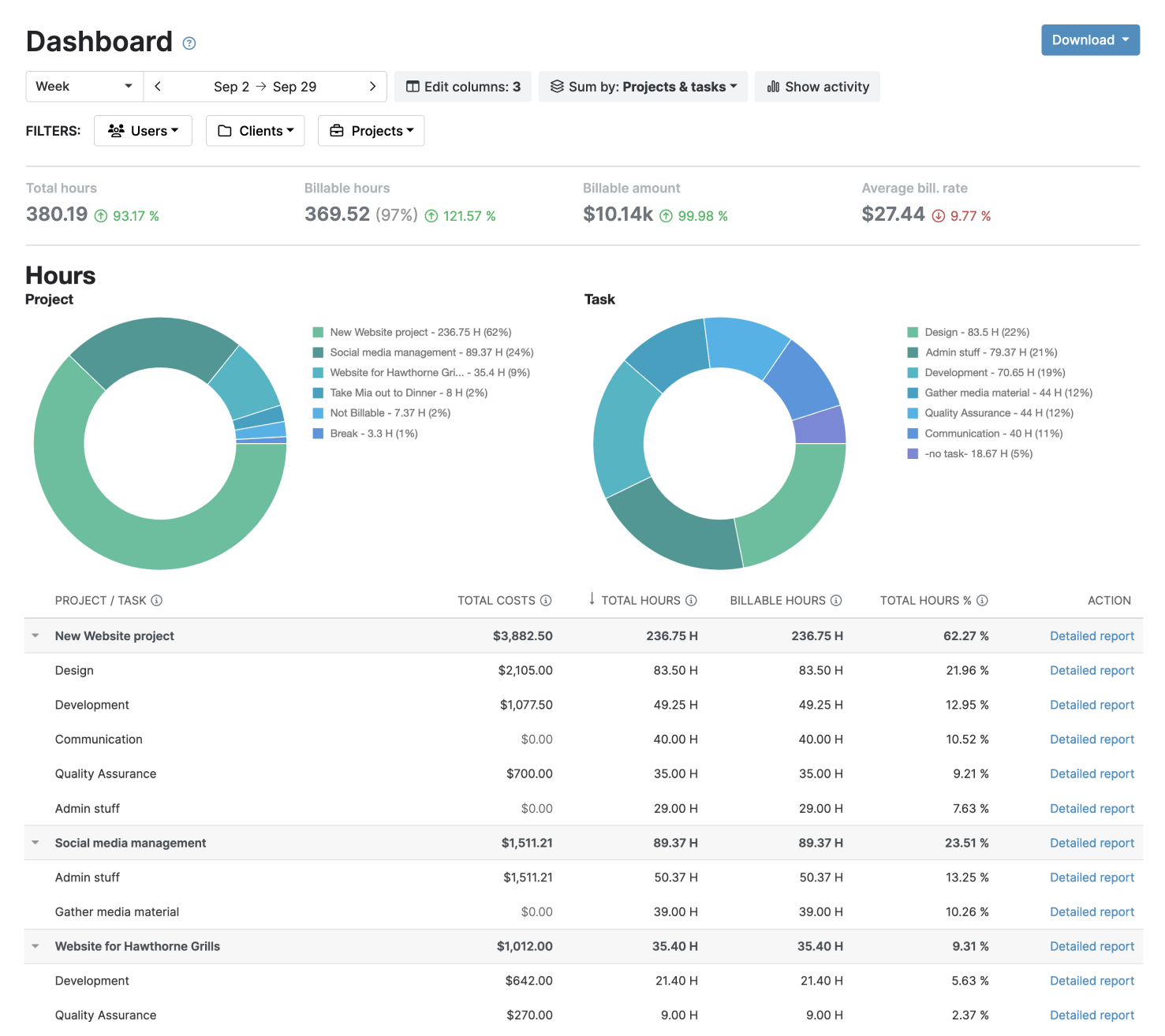
Granular, custom reporting options give you the data you need for DCAA reporting. Select the filters and data columns, and your report is instantly ready.
- Choose between the detailed report, the timesheet report, or the dashboard overview
- Save custom report settings to generate multiple reports in a few clicks
- Export reports in XLS or PDF format
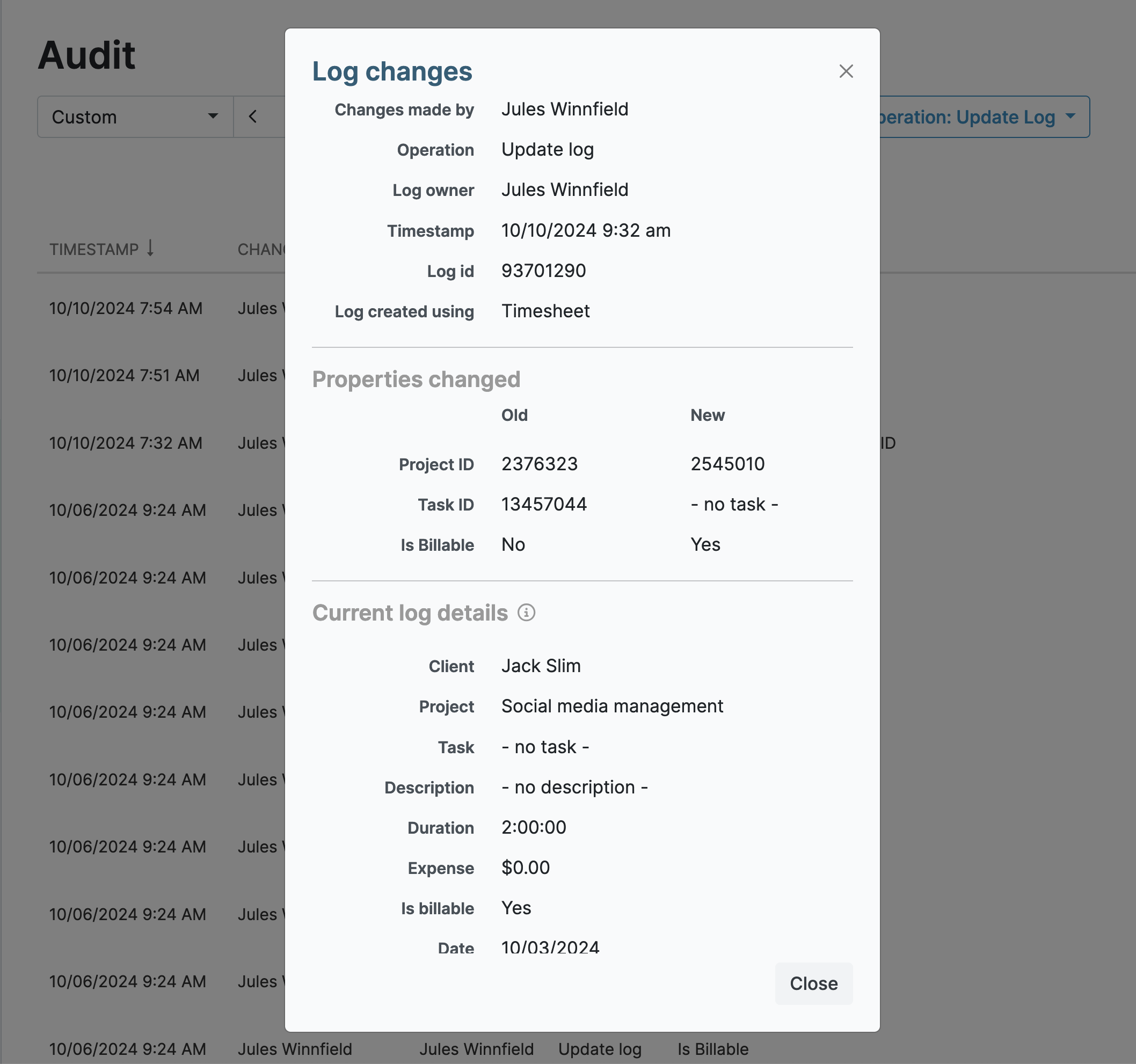
5. Full audit log
My Hours captures all actions, changes, and adjustments within the audit log.
- View detailed information for each audit log entry, complete with timestamps and unique ID numbers
- Filter log data by date, user, and operation type
- Export audit log data in XLS format
6. Role-based access controls and permissions
My Hours enforces access control with flexible role-based permissions. This prevents users from viewing others’ data or making unapproved data adjustments.
- Only Managers and Admins can view other users’ time data
- Normal Users can only log time against their assigned projects and tasks
- Unique login credentials prevent users from entering time on another user's behalf


Waste no more time,
jump right in!

All rights reserved.