.png)
CapEx or OpEx? The Four Key Software Stages
From an engineering perspective, a software project certainly has more than three stages. And agile teams might feel uneasy about having to organize a project into neat compartments.
But it doesn’t matter whether a project has a hundred phases, a thousand sprints, or waves of tasks that all merge into each other.
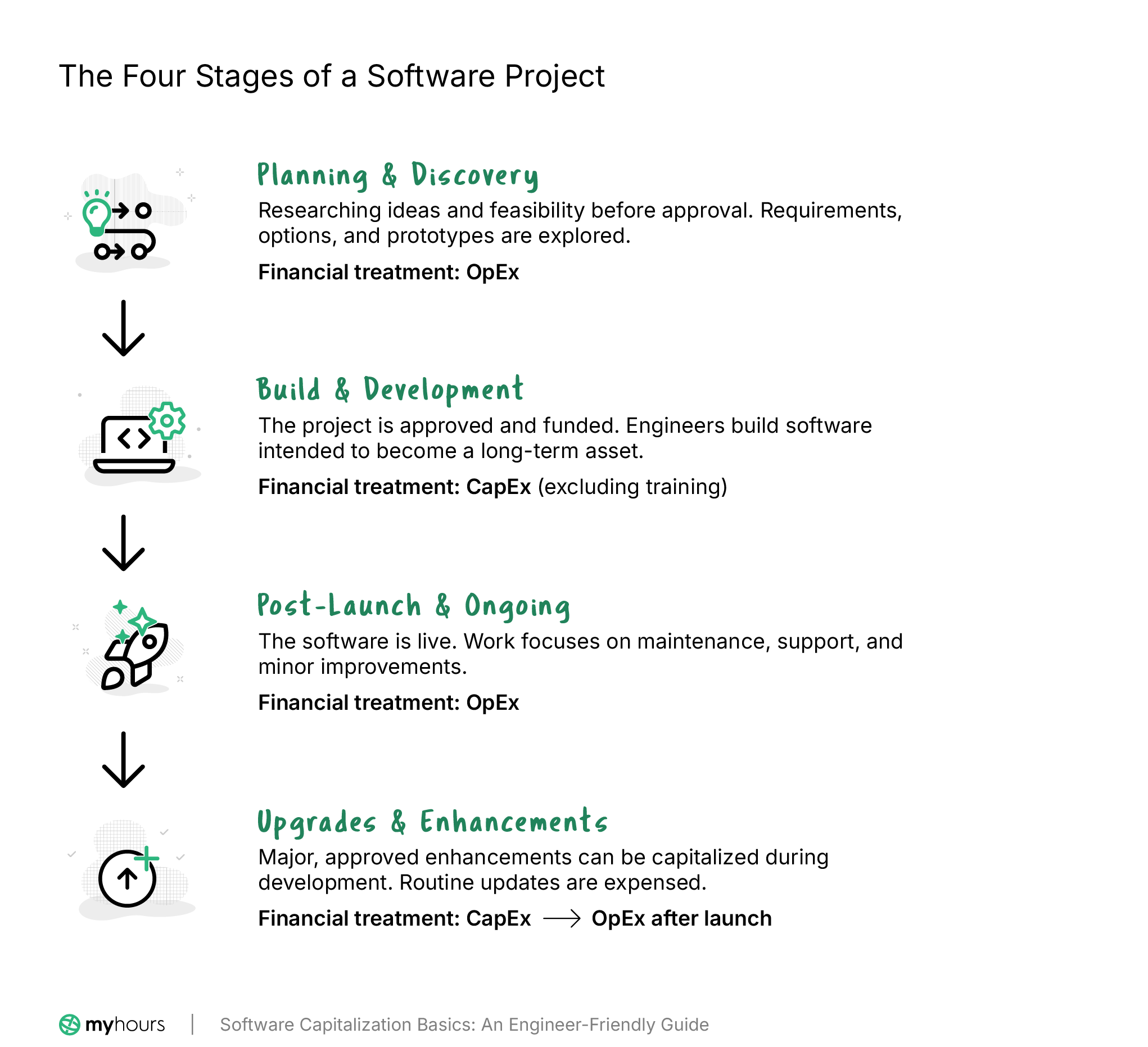
Accounting and finance only care about four phases:
- Planning and discovery
- Build and development
- Post-launch and ongoing
- Enhancements and upgrades
These stages define what can and cannot be capitalized. And regardless of how your team likes to work, the work they actually do will fall under one of these categories.
1. The planning and discovery phase
At this point, you’re not even sure if the project will go ahead, but you’re investigating its feasibility.
Product managers are defining requirements, engineers are busy researching options, and designers are mapping out ideas. Different technical approaches are explored, and you may end up with prototypes and proofs of concept.
The main thing is that nothing is set in stone.
The project might move forward, or it might be shelved.
At this point, the work is not capitalized. It’s treated as OpEx, an expense, because the organization hasn’t committed to a specific outcome or solution.
Examples of work carried out in this phase include:
- Brainstorming new product features
- Comparing vendors or platforms
- UX mockups and wireframes
- Architectural discussions
- Running technical experiments to analyze approaches
- Researching if the technology already exists
- Evaluating and selecting alternatives
2. Build and development
This stage is where everything changes. You have a concrete build plan in hand with committed funding and full confidence that the software will be completed and deployed.
It’s essentially the moment when the new initiative is greenlit.
At this point, engineers start writing the code, building databases, implementing integrations, and wiring up all the pieces.
Because the project will result in a long-term asset, accounting views these expenses as CapEx. Therefore, the costs can be capitalized instead of expensed immediately.
The only exception to this is the cost of training staff. All expenses related to training must be treated as OpEx.
Examples of work that qualify as build and development include:
- Writing production code
- Building APIs, databases, and backend services
- Developing frontend components tied to finalized designs
- Configuring infrastructure and installing hardware
- Software testing to confirm it works as intended
- Project management that is directly tied to the build
If you’re unsure, the Financial Accounting Standards Board (FASB) has updated its guidance to make it simpler to understand when an internal software project moves into work that can be capitalized.
It essentially states that organizations can begin capitalizing software costs when both of these conditions are met:
- Management has approved the project and committed funding
- The software will likely be completed and used as intended
3. Post-launch and ongoing
Once the software has gone live and is already in use, the capitalization stops.
Work from this point onward is treated as an expense because it’s generally routine, operational, and expected.
Examples of such work include:
- Customer support
- Bug fixes and routine maintenance
- Performance tuning or minor UI tweaks
- Small workflow improvements
- Feature toggle or configuration changes
- Training users
- Routine software updates with small enhancements
4. Upgrades and enhancements
Software rarely remains in its current form for long. While minor upgrades can be considered part of ongoing maintenance and, therefore, treated as an expense, major upgrades are a different story.
If an upgrade or a substantial enhancement is approved as a new project and allocated a budget, then its build and development phases can be capitalized.
Let’s take billing software as an example. A SaaS company has already developed and deployed the billing system, but wants to build a subscription analytics model.
The project has its own roadmap, budget, and delivery timeline. In this case, the work that can be capitalized is:
- Designing and building the new data models
- Writing backend services
- Building new dashboards and UI components
- Testing and validating the new module
However, ongoing DevOps not tied to a new approved build cannot be capitalized and must be treated as an operational expense.
Similarly, once the enhancement has launched and gone into operation, any ongoing work, such as bug fixes and minor UI tweaks, is expensed, not capitalized.
Why Capitalization is the Exception, Not the Default
From an accounting perspective, capitalizing costs means that you’re stating “this work will create something the business will benefit from for years, not just today.”
However, the fact is that most software work does not create a long-term asset.
What you’ll find is that work mainly supports day-to-day operations or explores potential new ideas. As such, none of this work meets the criteria for capitalization.
Even if product teams perform a large amount of work to improve existing systems, it still doesn’t qualify because it’s work completed on something that already exists.
It’s very important to make this distinction and, therefore, treat capitalization as the exception.
If organizations start capitalizing everything that comes under the product-related banner, then financial statements quickly become inflated and distorted.
Additionally, expenses would be pushed into the future, even when there are no defined assets to account for them.
This is why accounting rules lean conservative and default to expensing. It prevents overstatement and ensures that results remain comparable across companies.
CapEx Is a Workflow Decision, Not a Finance Cleanup
Misclassification is a common problem, and it generally occurs when teams treat CapEx as “something that finance can sort out later.”
As such, defining CapEx is not something to add to a spreadsheet at month-end. It should start much earlier, as work is tracked by product and engineering teams.
But accounting teams are financial experts, not software wizards, and they don’t know what type of work has been carried out.
If a time entry is labeled as “product updates,” there’s no way to prove if it was related to a new, long-term asset or an existing system. And when this happens, the work defaults to OpEx (because, remember, CapEx is the exception).
To avoid this problem, teams must clearly classify their work within time tracking workflows. So, when the timesheets reach finance, they know which category to place each expense in.
How time tracking software helps
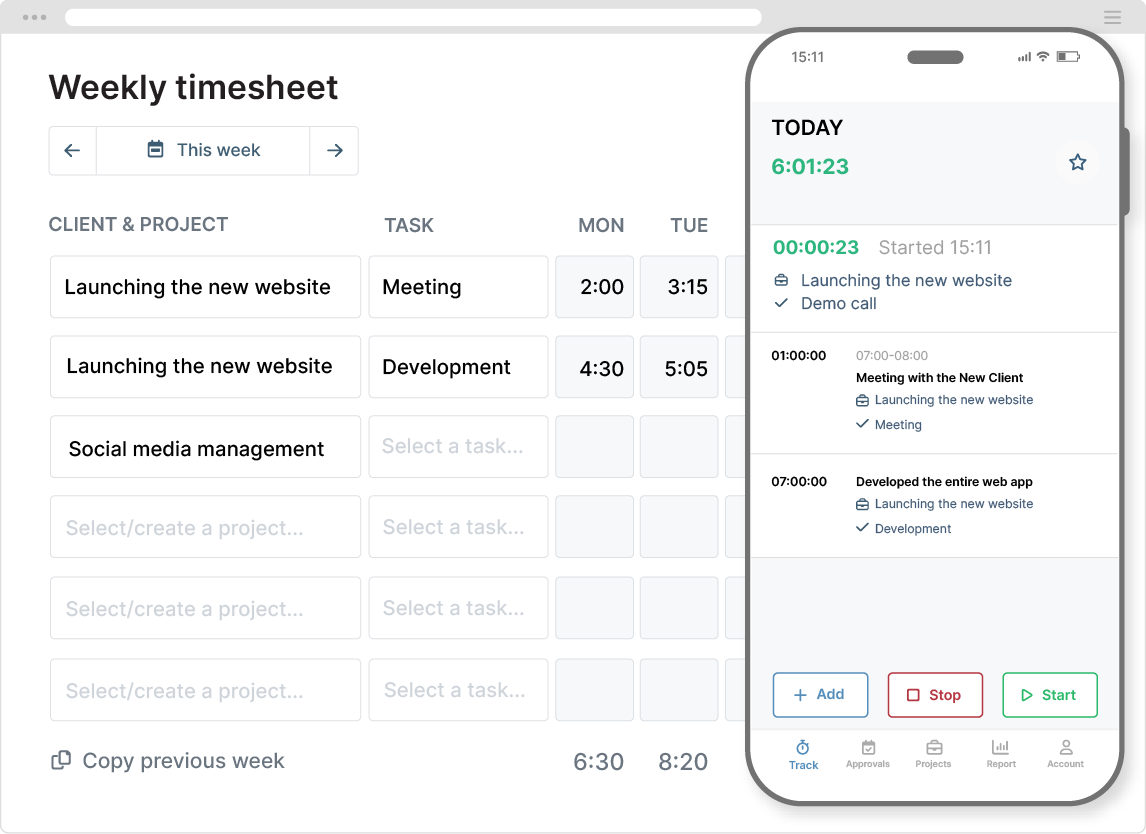
Time tracking software is designed to make the job simple and quick. Time entries can be labeled with the correct classification and generated into finance-ready reports.
However, it’s how you use the software that matters. Here’s a quick guide to maintaining a clear distinction between CapEx and OpEx work within your time tracking workflow:
- Use projects as the primary CapEx boundary: Create dedicated projects for capitalizable initiatives that have been formally approved and funded. Routine ops can be defined in separate projects so they don’t get mixed up.
- Separate activity types at the task level: Tasks distinguish the type of work carried out (discovery, development, implementation, etc.). If two activities require different financial treatment, they should not share the same task.
- Apply custom tags as qualifiers: Use tags on time entries to label qualified work as CapEx and everything else as OpEx. Avoid complex tag combinations that require interpretation.
- Require brief yet clear time entry descriptors: Descriptions are required to add context to the work performed. A reviewer should be able to understand what happened without having to ask for clarification.
- Use approval workflows to validate: Timesheet approvals confirm that the time was logged to the correct project and task, and was properly classified. This also prevents issues when timesheet reports reach finance.
- Customize reports to answer audit questions: Reporting should clearly show the initiative, activity type, and time period so CapEx decisions can be reviewed without opening individual time entries.
- Default all work to OpEx, unless explicitly defined as CapEx: Time-tracking workflows should make OpEx the default. CapEx should require deliberate setup and approval, not retroactive labeling.
GET MY HOURS TIME TRACKING SOFTWARE