
6 Best Time Trackers for EU Teams
(Data Residency)
We've drawn on our experience in the time tracking industry to curate a list of the six best time trackers that help EU teams handle their data residency concerns.
By Tjaša Fatur


Content overview

- My Hours: EU teams that want EU-hosted data without self-hosting
- Clockify: Teams that want a Germany-based data region with flexible monitoring
- ZMI: Full control over where your data runs
- Kimai: EU-only processing on a budget
- Clockodo: Certified German hosting
- solidtime: Open-source teams that want full data portability
Top 6 Time Trackers for EU Teams


1. My Hours: Best for EU teams that want EU-hosted data without self-hosting
Price:
- Free (5 users)
- $5 - $9 per user (paid monthly)
- $4 - $8 per user, per month (paid annually)
- Enterprise pricing available
Available on: Desktop, Web, browser extension, iOS & Android
 Main database is hosted on Microsoft Azure in Amsterdam, Netherlands
- Customer data stays separated within the shared Azure infrastructure
- Staff data access is limited to troubleshooting
 Does not offer self-hosted deployment


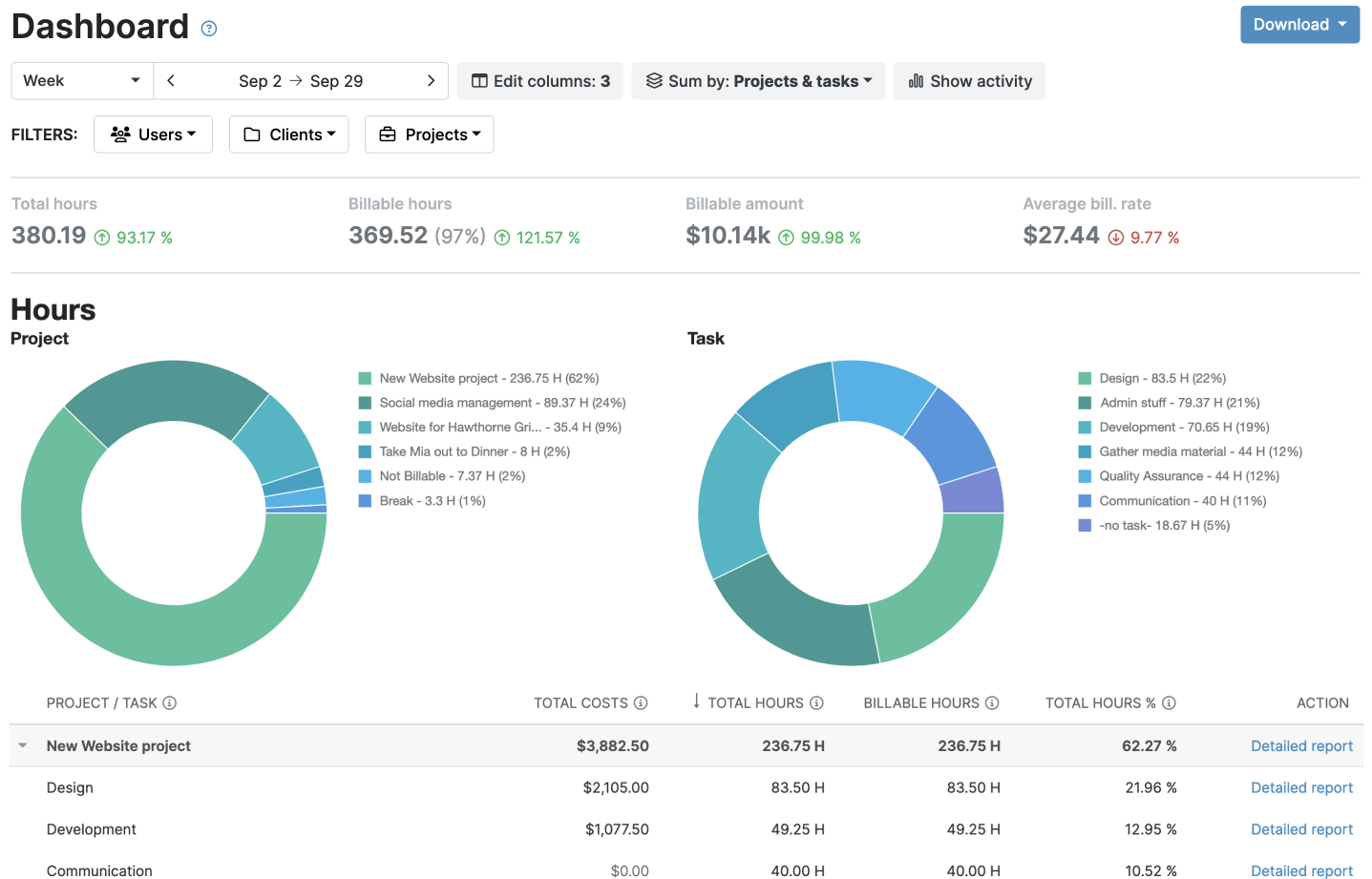


My Hours is a cloud-based time tracker operated by Spica International (SPICA), a company based in Ljubljana, Slovenia.
Its servers run on Microsoft Azure, with the main database in Amsterdam, Netherlands, so EU teams can keep their primary database in the EU without managing their own infrastructure.
My Hours uses shared Azure infrastructure, but keeps each customer's data separate from other customers. It also backs up customer data multiple times per hour and reports 99.95% average server uptime.
Under My Hours' DPA, your data can be processed in the EU, USA, or Canada, with appropriate safeguards in place for any personal data involved.
The platform’s subprocessors include Twilio Segment, Intercom, SendGrid, Stripe, Maxio, Zapier, and Hotjar as PII sub-processors, with Microsoft Azure as the underlying cloud platform; a complete list is available on request.
SPICA will notify you before adding a new subprocessor, and you have the right to object (within 10 business days) under the terms of the DPA, except for emergency replacements.
You don't need to worry about staff casually accessing your data. SPICA employees can only access customer data for troubleshooting, and that access is restricted, logged, and monitored.
My Hours also integrates with tools like Jira, QuickBooks, and Zapier, so EU teams can connect time and billing data to the accounting or project management systems they already use.
You can also export your data through XLS or the API, and My Hours keeps it for up to 90 days after account closure, or less if requested.
My Hours is a trust-based platform, with no screenshots or other employee-surveillance features. So there’s less employee data to collect and manage, which can be a plus for EU teams that want a smaller data footprint.
The main limitation is that My Hours is a cloud-based service and won’t fit teams that require self-hosted deployment, but it works really well for those who want EU-hosted data without managing their own infrastructure.

2. Clockify: Best for teams that want a Germany-based data region with flexible monitoring
Price:
- Free (Up to 5 users)
- $4.99 - $15.99 per user (paid monthly)
- $3.99 - $12.99 per user, per month (paid annually)
Available on: Desktop, web, browser extension, iOS & Android
- You can choose a Germany-based EU data region on Pro and Enterprise plans
- CAKE.com uses SCCs for EEA data transfers and lets you object to new subprocessors
- CAKE.com holds ISO/IEC 27001:2022 certification and completes an annual SOC 2 Type II audit
- Choosing the EU region doesn’t keep all your data in the EU
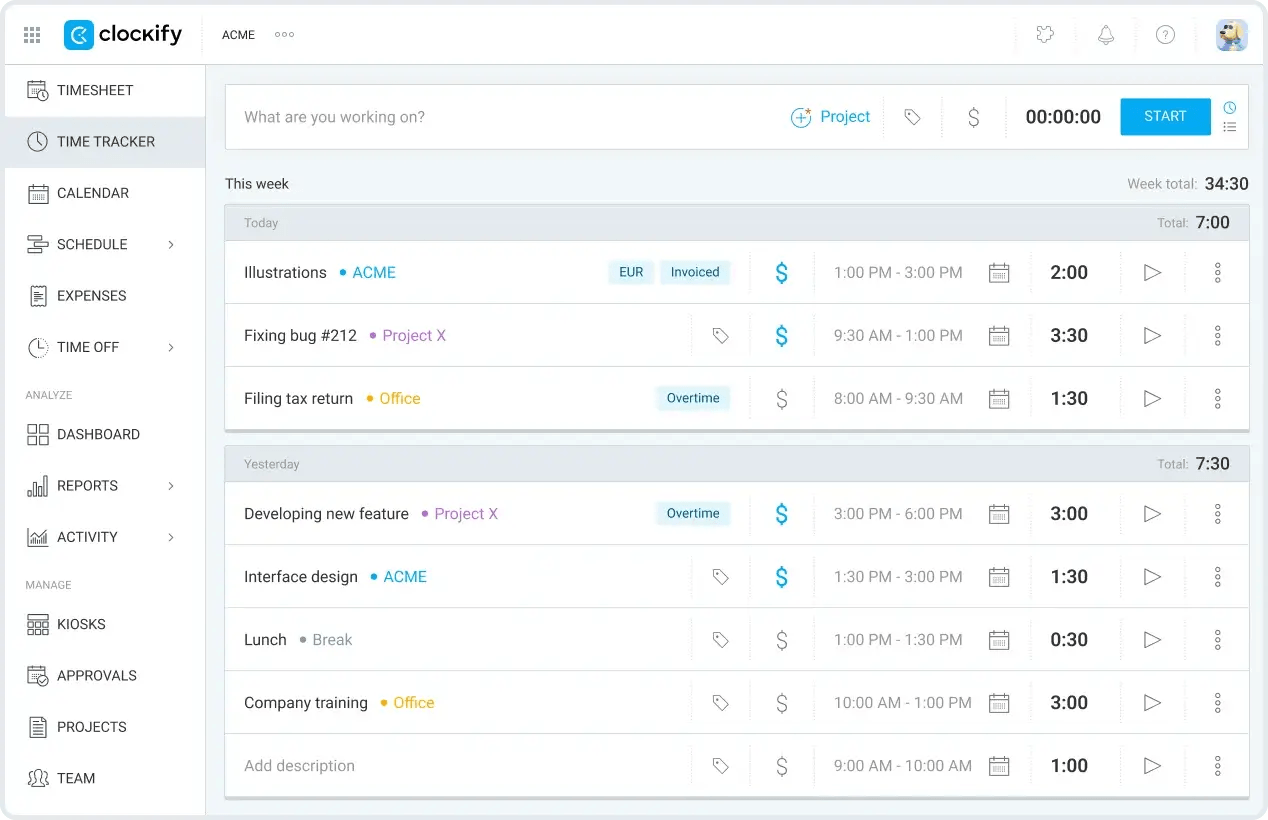
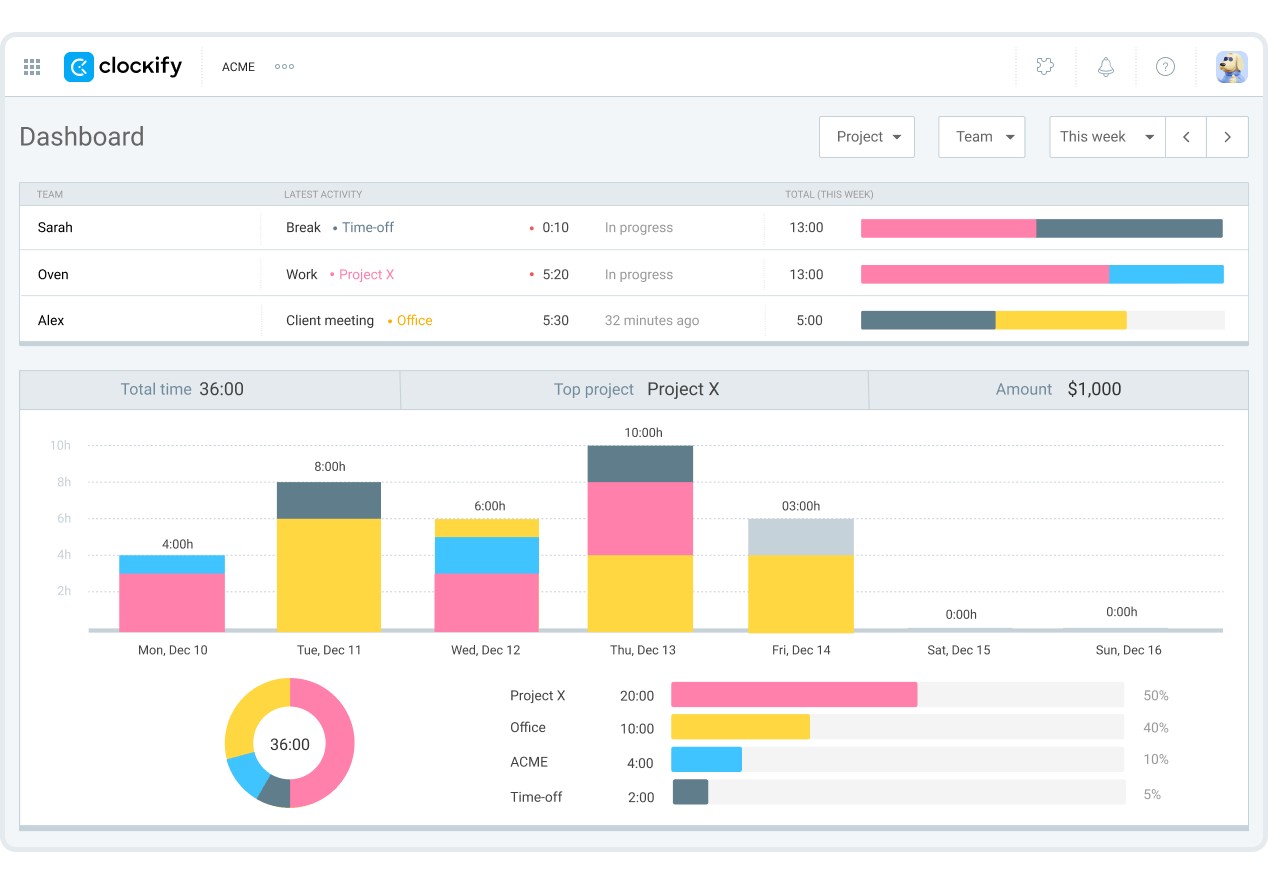
Clockify is a cloud-based time tracker by CAKE.com Inc., a company based in Palo Alto, California, USA. For customers outside North America, CAKE.com AG in Switzerland acts as its authorized agent.
Its servers run on AWS, and by default, new accounts are hosted on a global server. You can choose EU hosting (Germany) as a data region, but only if you’re on the Pro and Enterprise plans.
Moving your existing data there can take up to 12 hours, and in that time, you’ll be unable to access the platform or track time. Also, when you migrate, Clockify keeps a locked backup in the original region for seven days before deleting it.
Data stored in the region you choose includes:
- Time entries
- User activity
- Invoice details
- Workspace configurations
- Search indexes
However, account-level data, including user profiles, organization details, usage metrics, logs and analytics, and system-generated IDs can still be stored outside your chosen workspace region.
Under CAKE.com's DPA, your data may be transferred to and processed in the United States and other countries outside the EEA. Where required, CAKE.com uses safeguards such as Standard Contractual Clauses to protect that data.
CAKE has 15 subprocessors in 7 countries: USA, Serbia, Germany, Estonia, Austria, Romania, and France. They’ll notify you before adding a new subprocessor, and you have the right to object.
It also holds ISO/IEC 27001:2022 certification and completes an annual SOC 2 Type II audit, which is available on request.
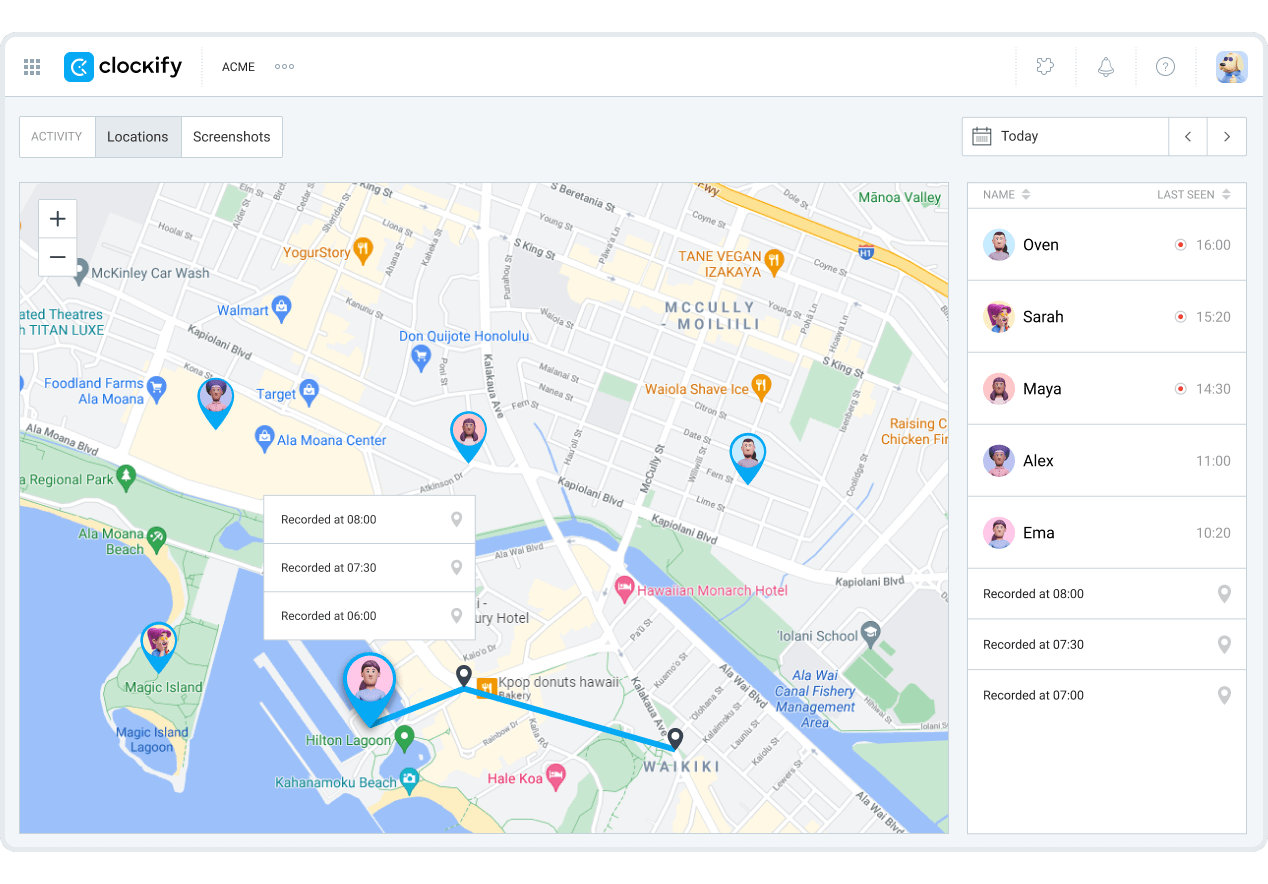
Clockify also offers employee-monitoring features, and these come with their own data-residency considerations for EU teams. Here are the key things to know:
- Screenshots are stored on your server for 60 days before automatic deletion.
- The auto tracker’s data, which remains on your PC except if turned into a time entry, is automatically deleted after 45 days.
- GPS location data is stored for 7 days before being automatically deleted.
As for whether the surveillance data falls under the EU region, you’ll have to ask, as this information is not publicly available.
You can export your time-tracking data from Clockify's Detailed Report. Just select the date range you need and export the records as a CSV file, giving you a copy of your time entries that you can keep or move to another system.
3. ZMI: Best for full control over where your data runs
Price:
- 14-day free trial
- €25/month (± $28.41) for 10 employees (paid monthly)
- €22.50/month (± $25.57) for 10 employees (paid annually)
- Self-hosted and Enterprise pricing available on request
Available on: Desktop, Web, iOS & Android
- Provides self-hosting or private cloud deployment
- Processes data within the EU/EEA by default
- Supports data export when leaving the platform
- ZMI is mainly focused on the German-speaking market
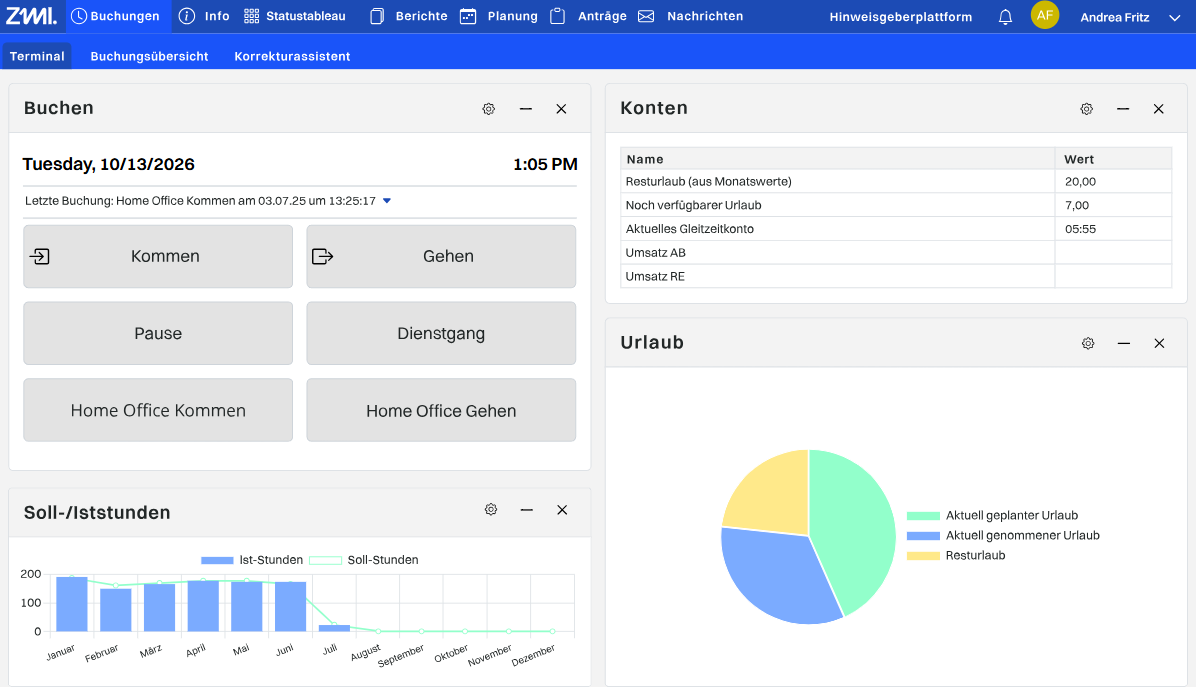
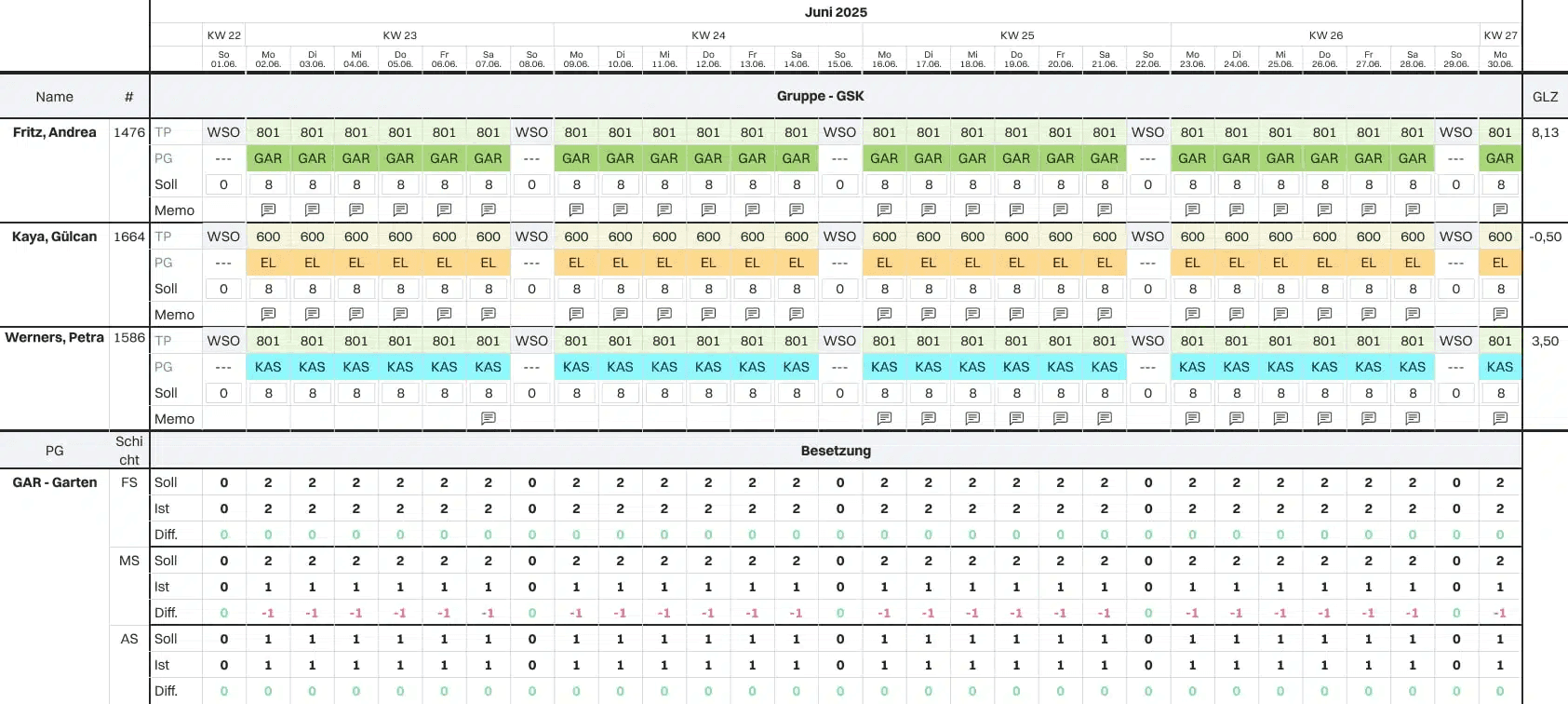
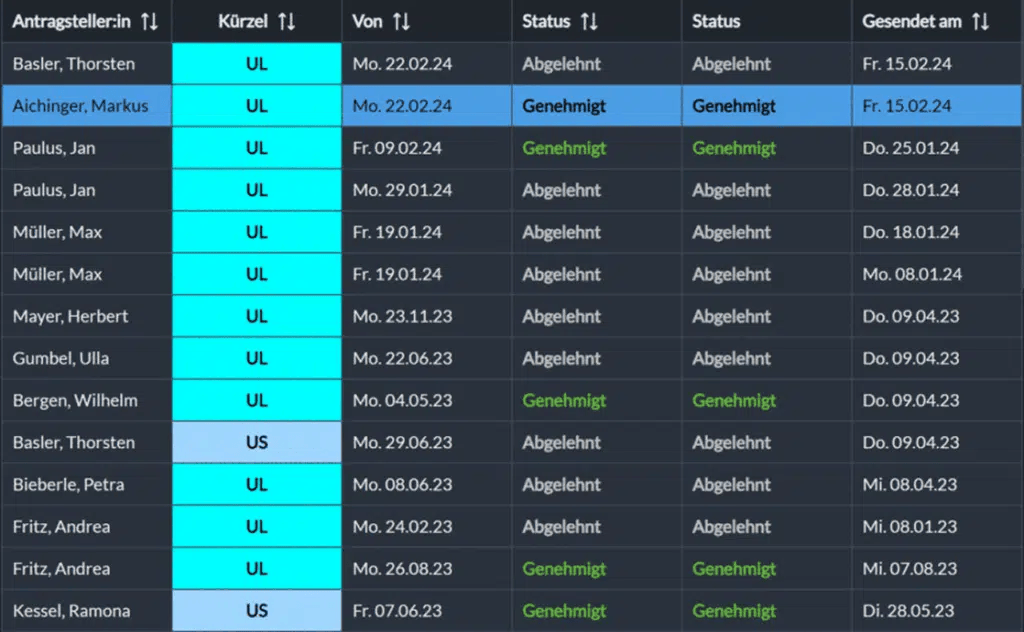
ZMI is a time-tracking and workforce management platform operated by ZMI GmbH and based in Elfershausen, Germany.
The platform gives you control over where your software runs. You can install and run the software in your own infrastructure or use ZMI's private cloud.
For the cloud option, ZMI processes your data within the EU or EEA by default, per its DPA, with outbound transfers requiring your prior consent.
If ZMI needs to transfer your data outside the EU or EEA, it needs your consent, and the transfer must meet GDPR requirements.
There are currently 9 subprocessors, 8 in Germany and 1 in Ireland. The company must notify you at least four weeks before adding or changing one of these providers, and you have two weeks to object.
They deploy different security measures, hold ISO/IEC 27001 certification, and use an external data protection officer.
If you decide to leave ZMI, you can export employee and time data to another provider or to your own infrastructure. However, you’ll need to give two months’ notice, and ZMI then allows up to 30 days for the transition, followed by another 30 days to retrieve your data.
4. Kimai: Best for EU-only processing on a budget
Price:
- No free plan; only a 30-day trial
- €3.99 - €4.99 per user (paid monthly)
- €2.99 - €3.99 per user, per month (paid annually)
- Features like audit trail logs and custom fields are paid add-ons on the self-hosted version
Available on: Desktop, Web, browser extension
- EU hosting by default (Germany), with self-hosting available
- Processes customer data exclusively within the EU/EEA
- Subprocessors (Brevo, Hetzner, Mailbox) are all EU-based
- No known third-party security certifications, and self-hosting puts server security on you
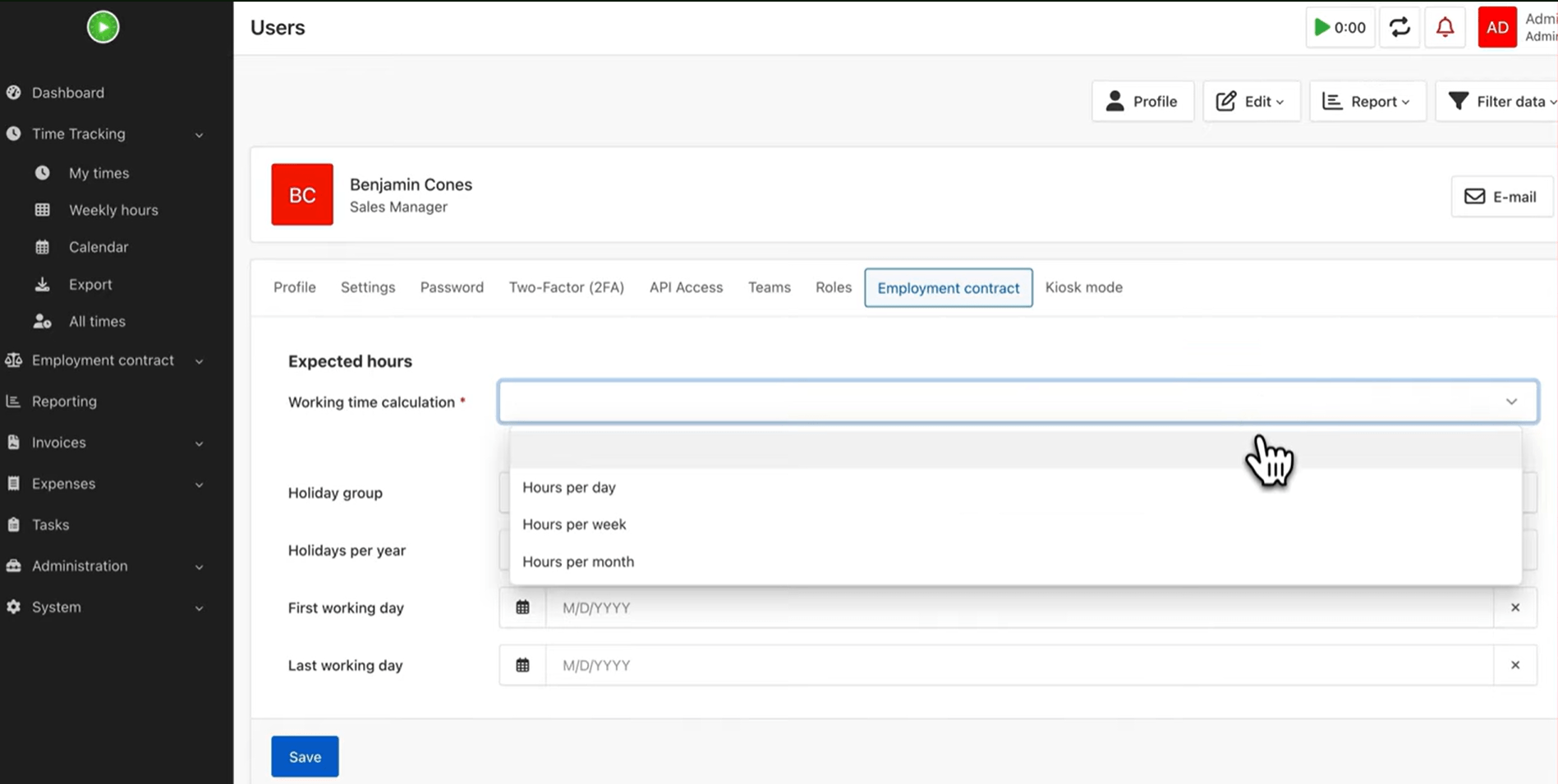
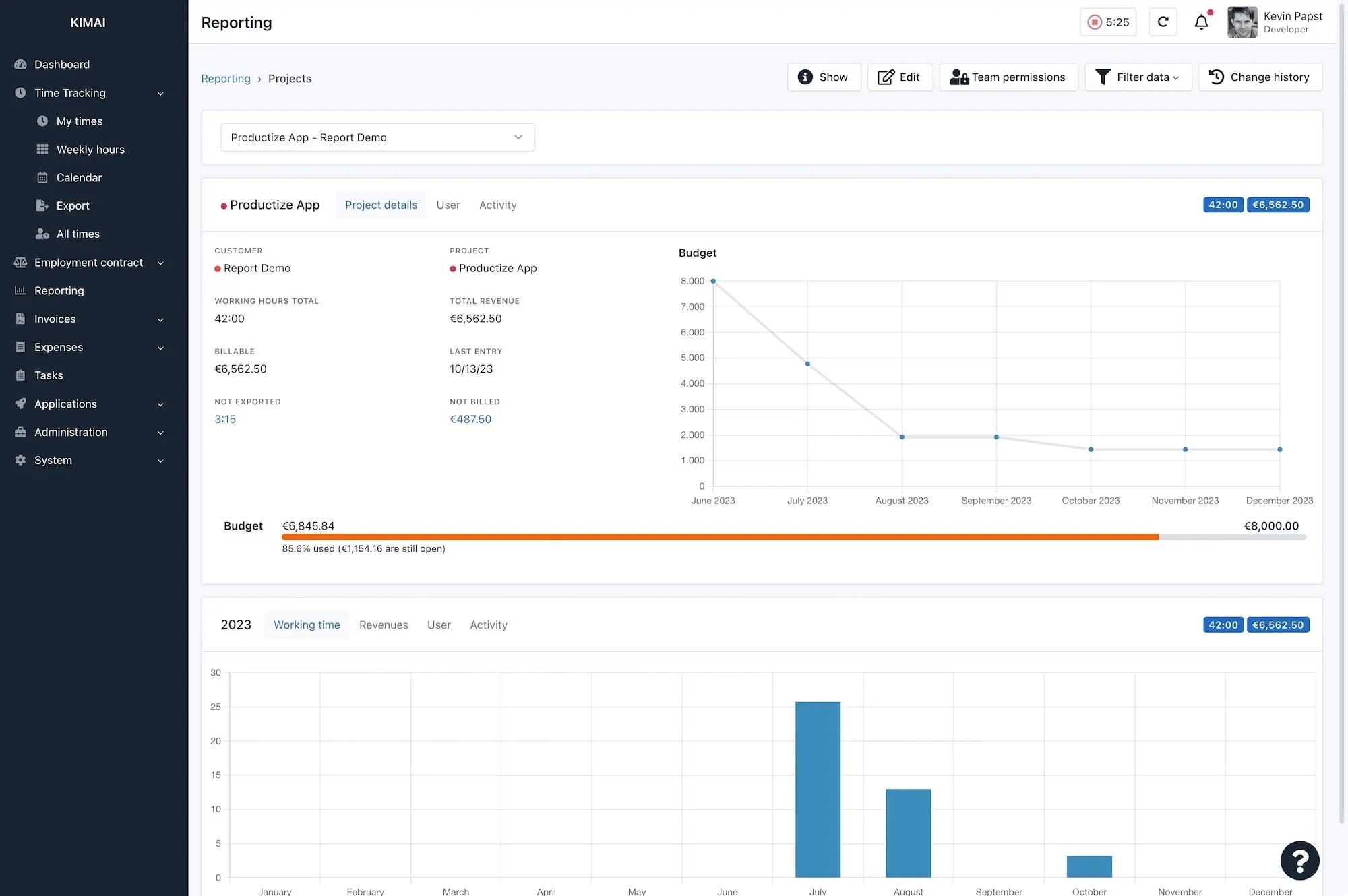
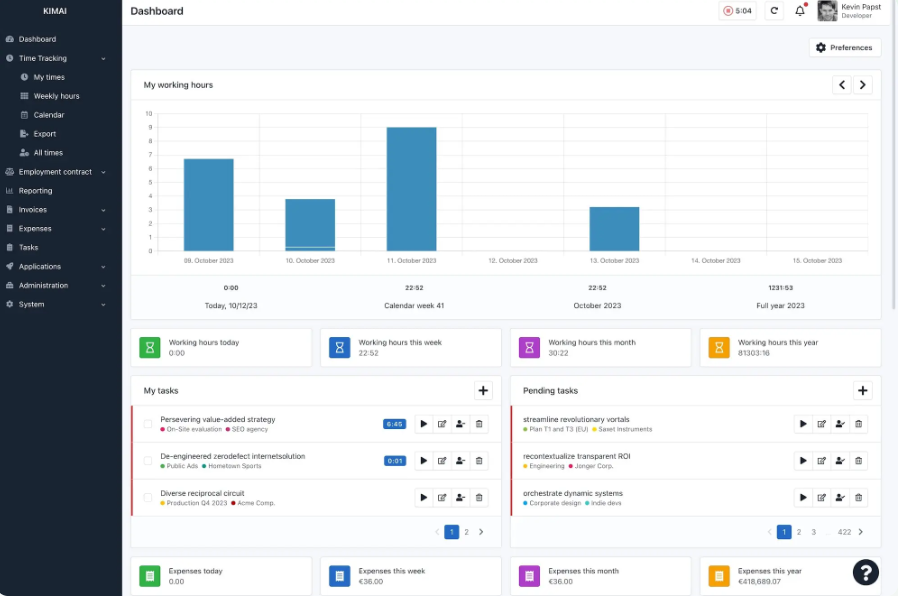
Kimai is an open-source platform operated by Kevin Papst, based in Vienna, Austria.
You can use Kimai as a hosted service or run it on your own infrastructure. Kimai Cloud is hosted in Germany, with the server in Falkenstein, Germany.
The DPA states that Kimai will process customer data exclusively within the EU or EEA. If they need to transfer your data outside these regions, your prior consent will be required.
Kimai has three core subprocessors: Brevo, Hetzner, and Mailbox, all based in Germany.
You can export timesheets as CSV, XLSX, PDF, or HTML, and Kimai also has an API for automated exports. Paid Cloud customers can download a full backup of their installation, and those backups are kept for 60 days before being removed.
There are no known security certifications for Kimai. However, they have a public security advisory where they document different vulnerabilities, their severity, and the fixes released for them.
If you choose to self-host Kimai, you're also responsible for keeping the software, server, and surrounding infrastructure secure and up to date.
"Easy to set up and relatively easy to use. Quick monthly exports in a variety of formats. Self-hosted environments keep your data safe,"

"User interface is sometimes a little clunky and hard to use. The structure of customer, project, and activity is hard-wired."


5. Clockodo: Best for certified German hosting
Price:
- Free (1 user)
- €4 - €12 per user (paid monthly)
- €3.80 - €11.40 per user, per month (paid annually, 5% discount)
- Custom pricing available for 20 users or more
Available on: Desktop, web, browser extension, iOS & Android, physical time-tracking terminals
- German data centers (Frankfurt and Berlin), both ISO 27001 certified
- Named subprocessors, four weeks' notice, right to object
- Continuous, nightly, and monthly backups
- Cloud-only. No self-hosting if you need full infrastructure control
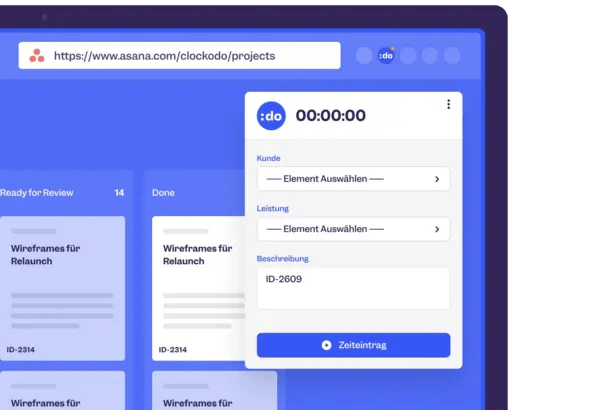
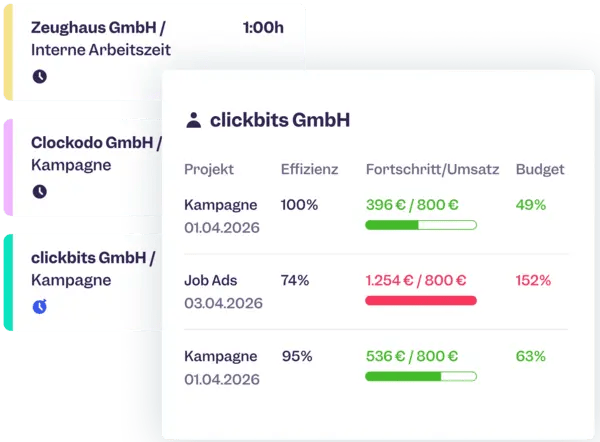
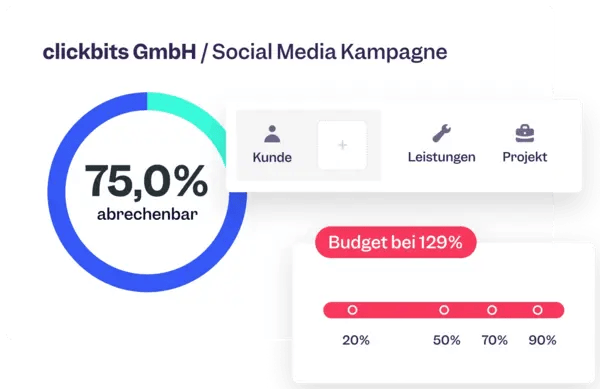
Clockodo is a cloud-based time tracker from Clockodo GmbH, a company based in Unna, Germany. The platform keeps all customer data in Microsoft data centers in Frankfurt and Berlin.
Per Clockodo's DPA, your data is processed in the EU or EEA, and all data transfers outside those regions must comply with GDPR requirements.
The data centers are ISO 27001 certified, and Clockodo uses Microsoft Azure Cloud data centres in Germany for hosting and storage, with emergency database backups on a server via Hetzner Online GmbH.
There are 5 subprocessors: 4 in Germany (Rapidmail GmbH, Hetzner Online GmbH, Microsoft Deutschland GmbH, CleverReach GmbH & Co. KG) and one in the United States (Sentry).
Clockodo must give you at least four weeks' notice before adding or changing a subprocessor, and you can object to the change.
The platform uses continuous backups, nightly database backups, and monthly long-term backups.
You can export your data before and after cancellation. Clockodo will keep your account available for exports during a 30-day holding period.
As for your employees’ personal data, Clockodo only stores names, email addresses, working hours, and absences. There are no fields for personal information about your clients, although you can still add that information to client or project names and notes.

6. solidtime: Best for open-source teams that want full data portability
Price:
- Free (1 user)
- €9 per user (paid monthly)
- €8 per user, per month (paid annually)
Available on: Desktop, Web
- Your cloud data is stored and primarily processed within the EEA
- Four of solidtime’s five subprocessors are based in the EEA
- You can export your full account as CSV files whenever you need to
- solidtime doesn’t guarantee uptime or a service level unless you negotiate one separately in writing
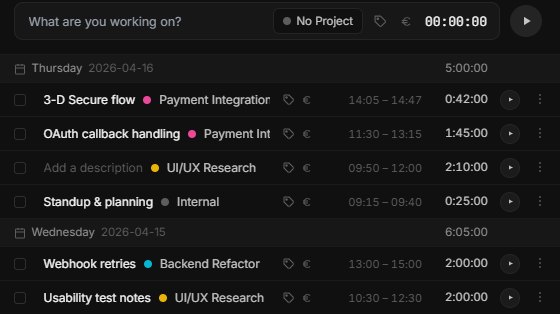
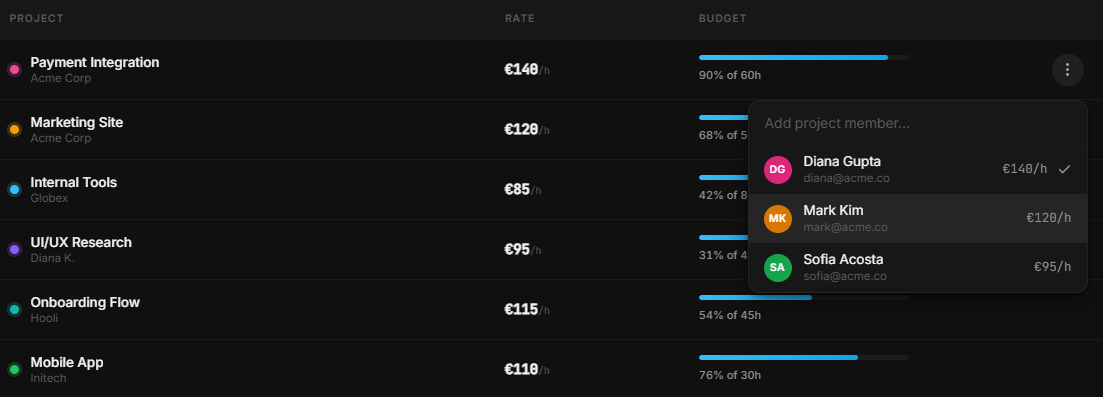
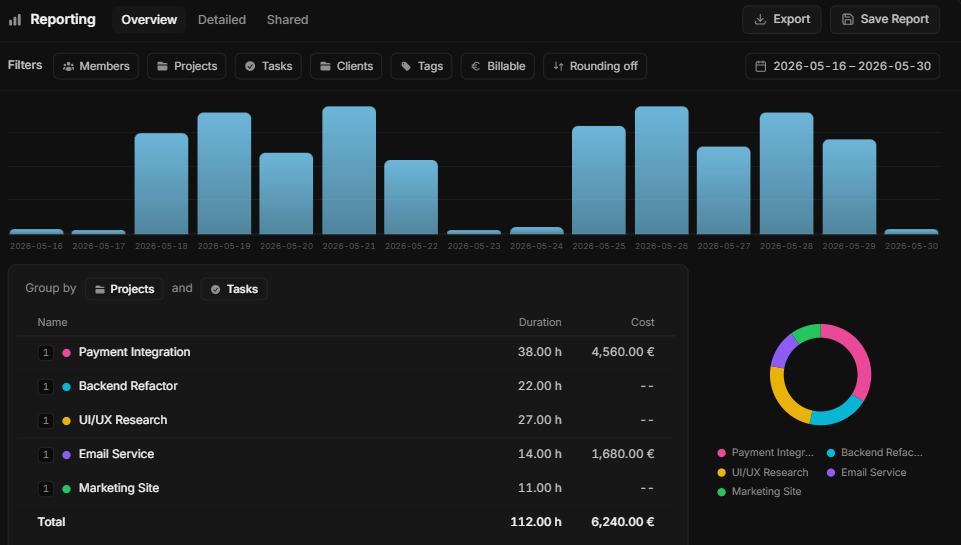
solidtime is an open-source time tracker from solidtime GesbR, based in Vienna, Austria. solidtime offers a hosted cloud version and a self-hosted version.
For the cloud app, your data is stored and primarily processed within the EEA, with solidtime's main service hosted in France by Scaleway. Its offsite backups are also in France, where OVH stores them. Hetzner in Germany handles monitoring services and fallback infrastructure.
Four of the five subprocessors are in the EEA. The exception is Sentry, a US-based company, although solidtime uses its EU region for application error and performance monitoring.
solidtime won't transfer customer data outside the EEA unless the required GDPR safeguards are in place. You also get 14 days' notice before a subprocessor is added or replaced, and you can object on reasonable data-protection grounds.
You can export your full account at any time, including clients, projects, time entries, tags, tasks, all of it, as a set of CSV files you can move anywhere.
How We Chose the Best Time Tracking Software for EU Teams
There are hundreds of time tracking apps on the market, so to curate our shortlist, we paid attention to:
- Real user reviews on platforms like Capterra and G2.
- Our 20+ years of experience running a time tracking platform to understand what teams need and the features and data-control considerations that matter when working with EU teams.
- Where customer data is hosted and processed, including any regional hosting options, backups, or international processing.
- Who operates the service and which third parties are involved, including published or documented subprocessors.
DISCLAIMER: We included My Hours on the list.
Why did we do that?
Because we believe My Hours is a strong option for EU teams as an EU-native time-tracking provider. My Hours has documented data-processing terms and relevant security certifications, like ISO 27001:2022, 27018, and 27017.
My Hours is also a reliable time-tracking platform for teams that need project tracking, reporting, billing, invoicing, approvals, and profitability data.
It won't suit every team, like those who need employee-monitoring features or self-hosted deployment. However, it's a great fit for EU teams that want managed hosting and transparency regarding data rights.
How to Choose the Best Time Tracking Software for EU Teams
Features like timesheet approvals, reporting, billing, and resource planning matter when choosing a time tracking platform.
Here's a quick snapshot of which tool fits which priority:
Day-to-day product fitFor a more detailed breakdown of what to review before committing, here's a comprehensive checklist:
Where your data actually lives
- Can the vendor name the country or cloud region where your primary customer data is stored?
- Is EU/EEA hosting the default option, or does that require a higher tier, add-on, or separate request?
- Does the regional option cover all customer data, or only certain types of workspace data?
- Where are backups, replicas, and disaster-recovery copies stored?
- Where can your data be processed or accessed outside the primary hosting region?
- Is the vendor's EU data residency commitment written into the contract or DPA?
- Is the vendor’s legal entity EU-domiciled, or just its data center?
How tools handle monitoring
- Do they record basic time and project data, or do they also collect screenshots, app and website activity, keyboard activity, or GPS data?
- If monitoring data is collected, how long is it retained before deletion, and does the vendor disclose that timeframe?
Your actual data rights
- Can you export your data without having to contact support?
- If leaving, how easily and quickly can you export your data, and how long do they retain it before deletion from their database?
- When are remaining copies and backups deleted, and does the vendor specify a timeframe
- Does the vendor name its subprocessors, or just call them "trusted partners"?
Legal and vendor transparency
- Does the vendor provide a Data Processing Agreement?
- Does the DPA explain what data is processed, how long it is retained, and which subprocessors may handle it?
- Does it explain the safeguards used when personal data is transferred outside the EEA?
- Does the vendor clearly identify the legal entity you are contracting with?
- Are vendor security and privacy claims backed by certifications or independent audits where relevant?
Day-to-day product fit
- Does the platform fit how your team already works by client, task, project, or activity
- What does the vendor disclose about uptime and service outages?
- Does the platform offer the hosting option you need, whether self-hosting or on-premises deployment?

Waste no more time,
jump right in!

All rights reserved.