
Time Tracking software for developers
Track development hours from the first ticket to the final invoice, on any billing model
 Import Jira or Azure DevOps issues and log time against the work your team already plans
- Compare estimated and actual hours with project and task budgets
- Set billing and labor rates to see what each build earns
- Approve timesheets before reporting to clients and invoicing from the same hours

Trusted by more than 100.000 businesses worldwide


Time tracking Software for developers

Time tracking software for developers links the hours your team spends on tickets and builds to what each client pays.
Software development teams often split their time across tickets, bug fixes, and code reviews. When those hours aren't recorded accurately, project estimates become less reliable, and client invoices may not cover the work that was done.
The gap widens when work is planned in Jira or Azure DevOps but billed from a separate system. Hours are re-entered manually at the end of the month, and some never reach the invoice.
My Hours connects developer hours to project budgets and client invoices, with a built-in Jira integration and Azure DevOps available on demand.
Mirror Your Development Structure
Set up My Hours to match how your team already splits up development work. With project and task tracking in place from the start, time lands on the right ticket from the first entry.


"Competing products that I looked at were extremely bloated with inadequate task and project management. The interface is clean and functional, not weighed down with features I would never use."

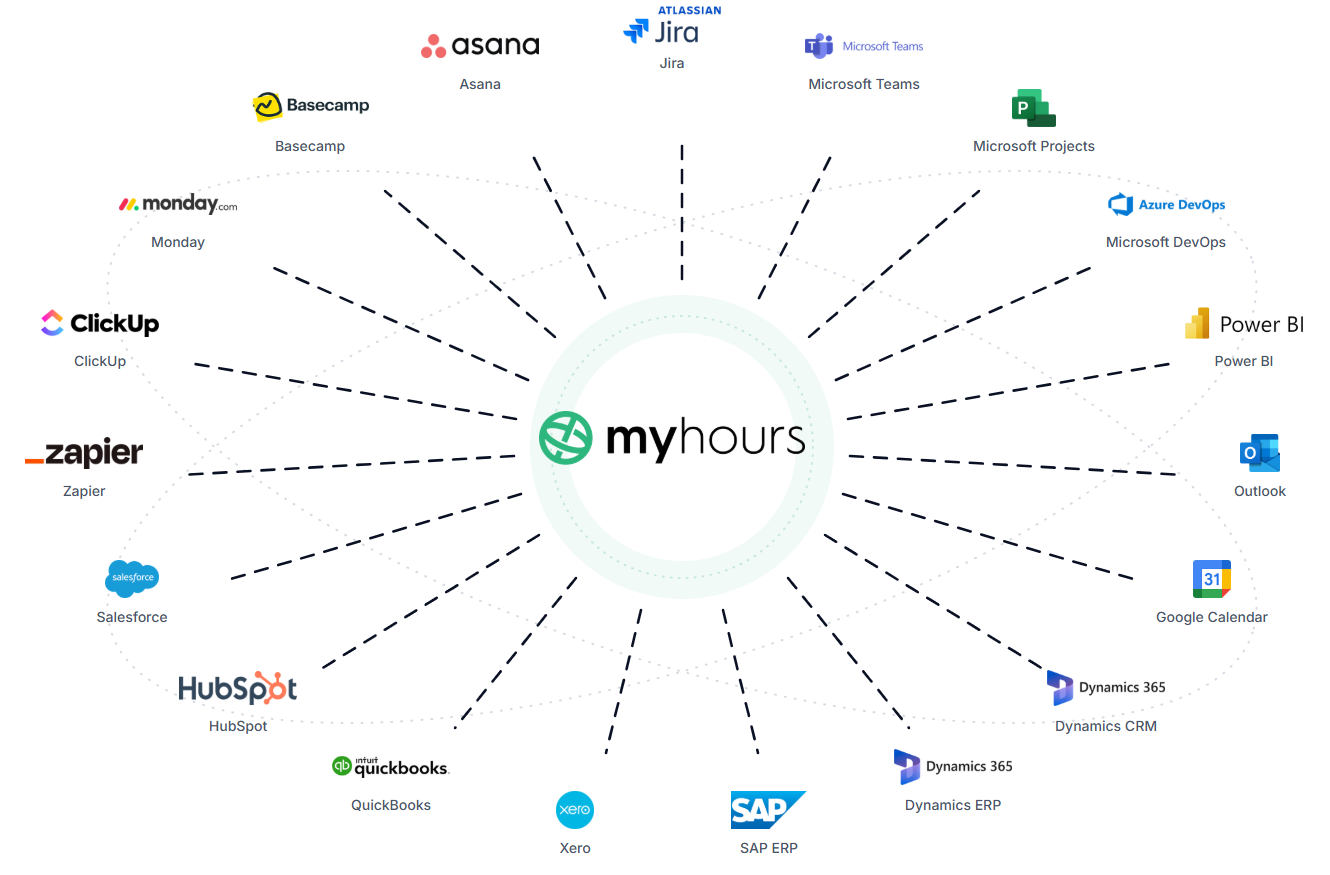
Connect Jira, Azure DevOps, and Other Tools in Your Tech Stack
If your team already plans work in an issue tracker, there’s no need to rebuild it to track time. My Hours' integrations turn tickets into tasks your team can log time against.
Log Time and Review Timesheets in Claude
Developers who already work with AI assistants can connect My Hours to Claude through the Model Context Protocol (MCP). Add the official My Hours connector from Claude's connector directory, sign in, and your time data is available in the conversation.
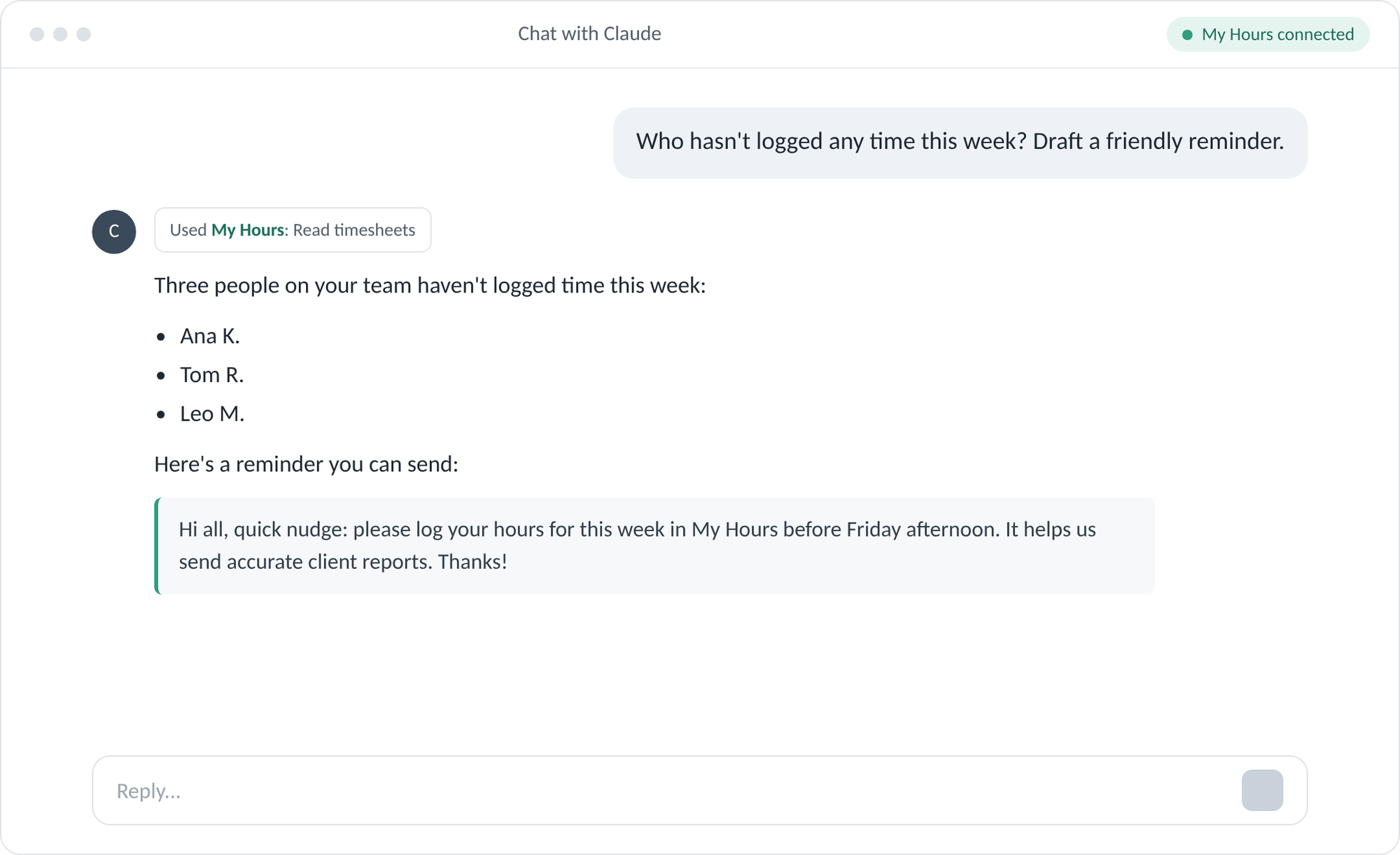
The connector runs on My Hours' own Cloudflare infrastructure, so there's nothing to install.
Log Time Without Leaving the Dev Workflow
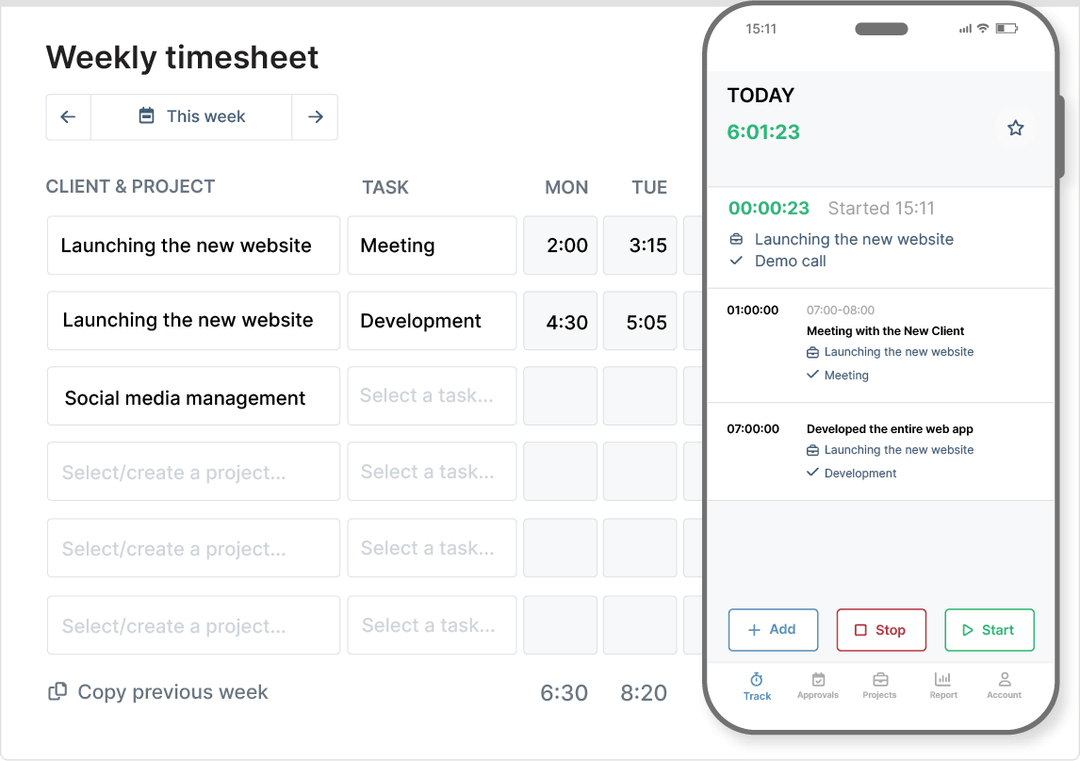
Logging time shouldn't pull developers away from their work. My Hours lets you track hours with a timer while you work or fill in your timesheet later, from the tools you already have open.
Close Timesheet Gaps Before Sprint Reviews
Missing hours leave gaps in project records when you review a sprint or prepare a client invoice. My Hours helps you catch them before they reach your reports:

Compare Estimates With Actual Effort
An estimate only helps when you can check it against the time a task really took. My Hours lets you set task estimates and compare them with tracked hours as work progresses.
Match Rates to Each Engagement
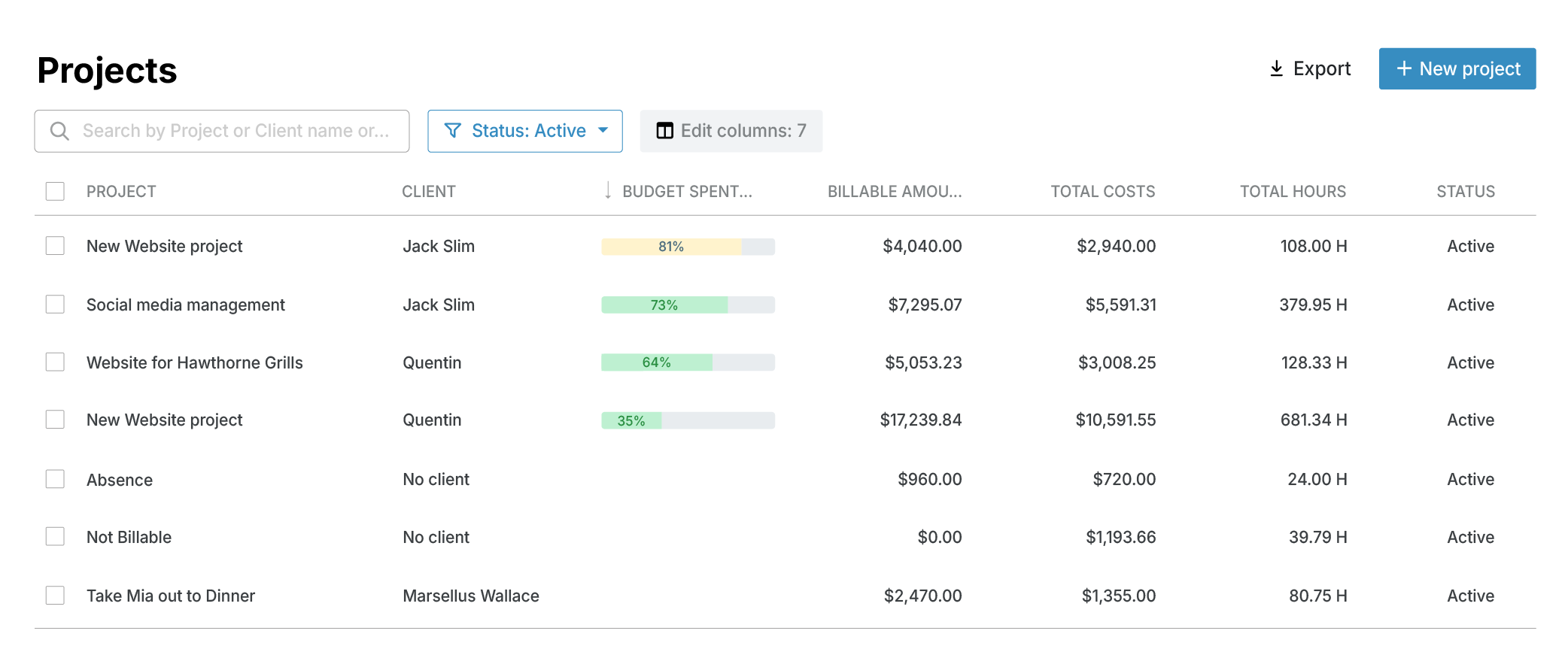
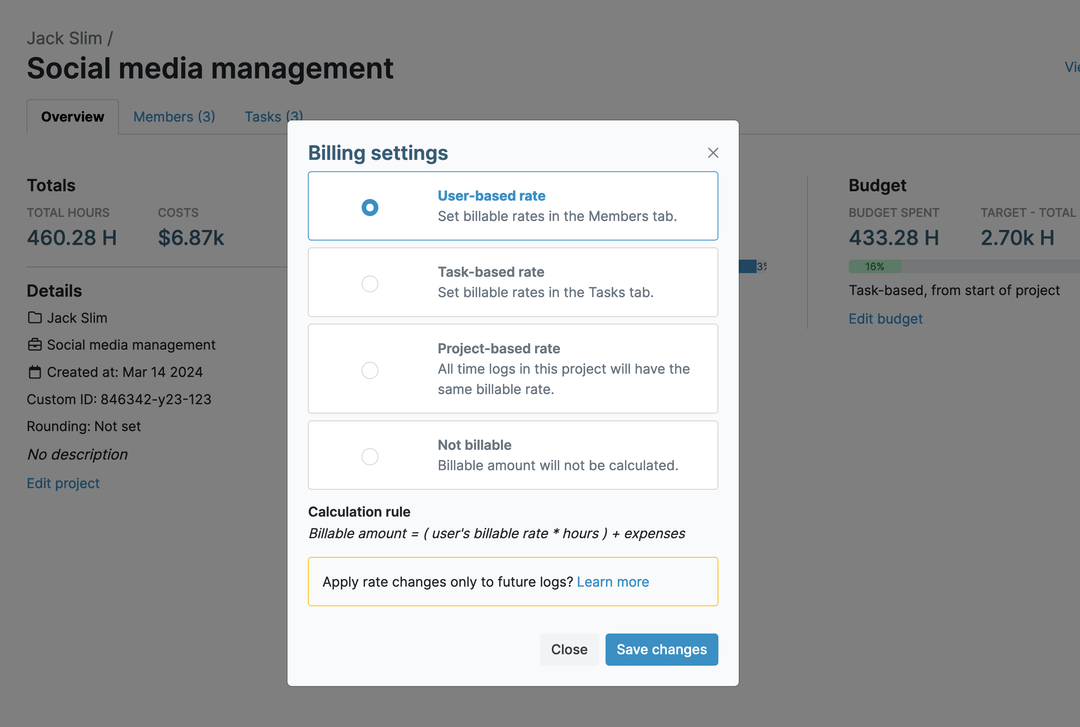
Some development work is billed by the hour and some at a fixed price. Each project in My Hours has its own billing method, so both can run side by side.
"Projects, Tasks, and Billing rate with automatic counting and Dashboard that can be downloaded - these all were everything I needed as a freelance software developer. It's light and easy to use. I like the design and layout very much."
Track Expenses Like Hosting and Software Licenses
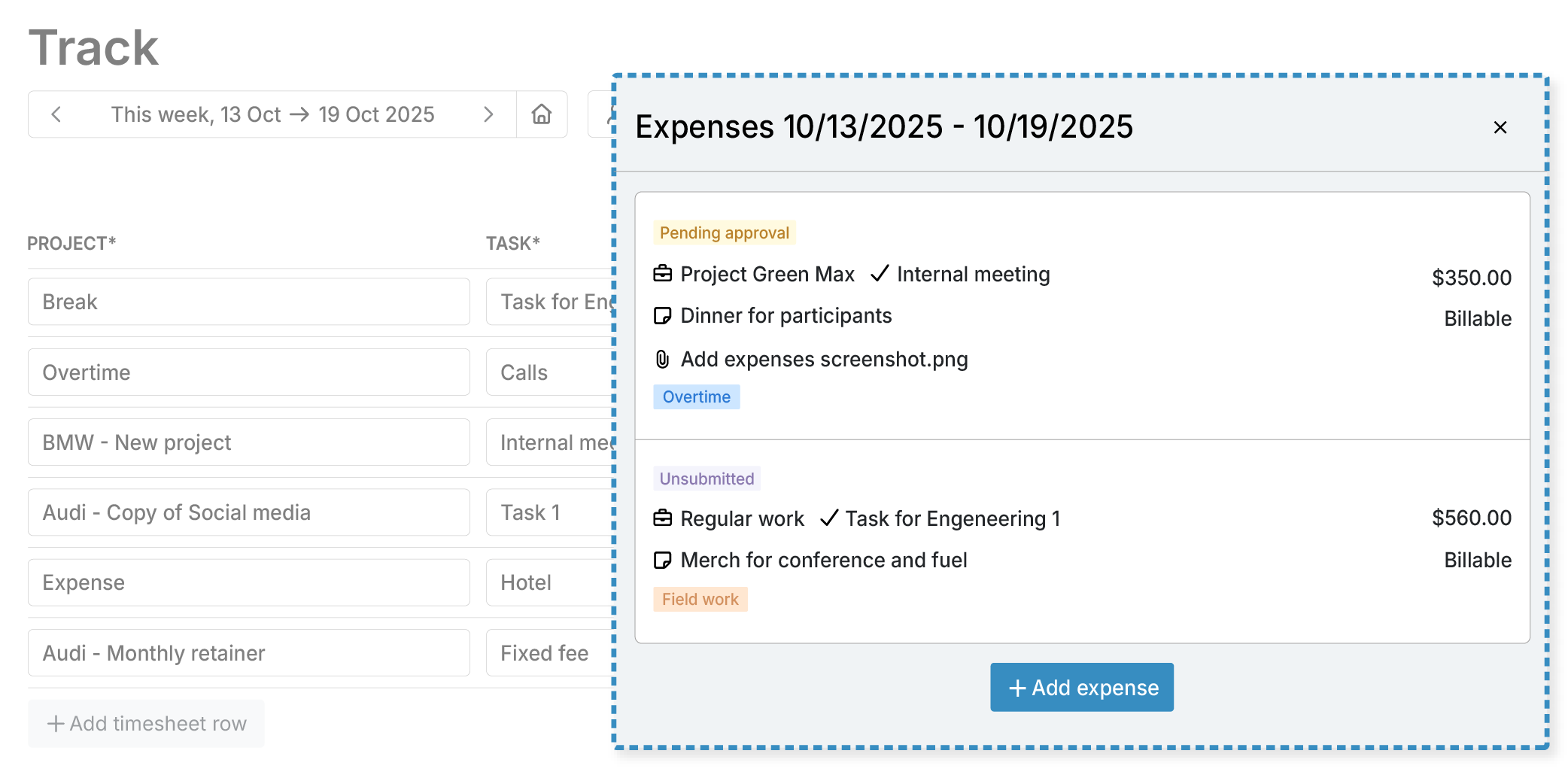
Beyond hours, development involves costs such as cloud hosting, software licenses, and third-party API fees.
With expense tracking in My Hours, you can record them alongside the hours logged on the same work.
See Which Projects Make Money
A project can stay on schedule and still cost more to deliver than it brings in. Tracking labor costs next to billable amounts lets you check project profitability while the work is still underway.

"The fact you can create customers, activities, and tags that you can easily filter on the analytics works very well for me. Also the Week view where you can see all the activities and also the stopwatch option to track activities on the go."
Review Hours Before They Reach the Client
An incorrect time entry can lead to billing errors once it reaches an invoice. With timesheet approvals, managers check developer hours before they’re used in reports and invoices.

Report Progress to Clients and Stakeholders
Clients want to know how their development hours are being used. My Hours client reporting shows where the time went, from a project overview down to individual entries.
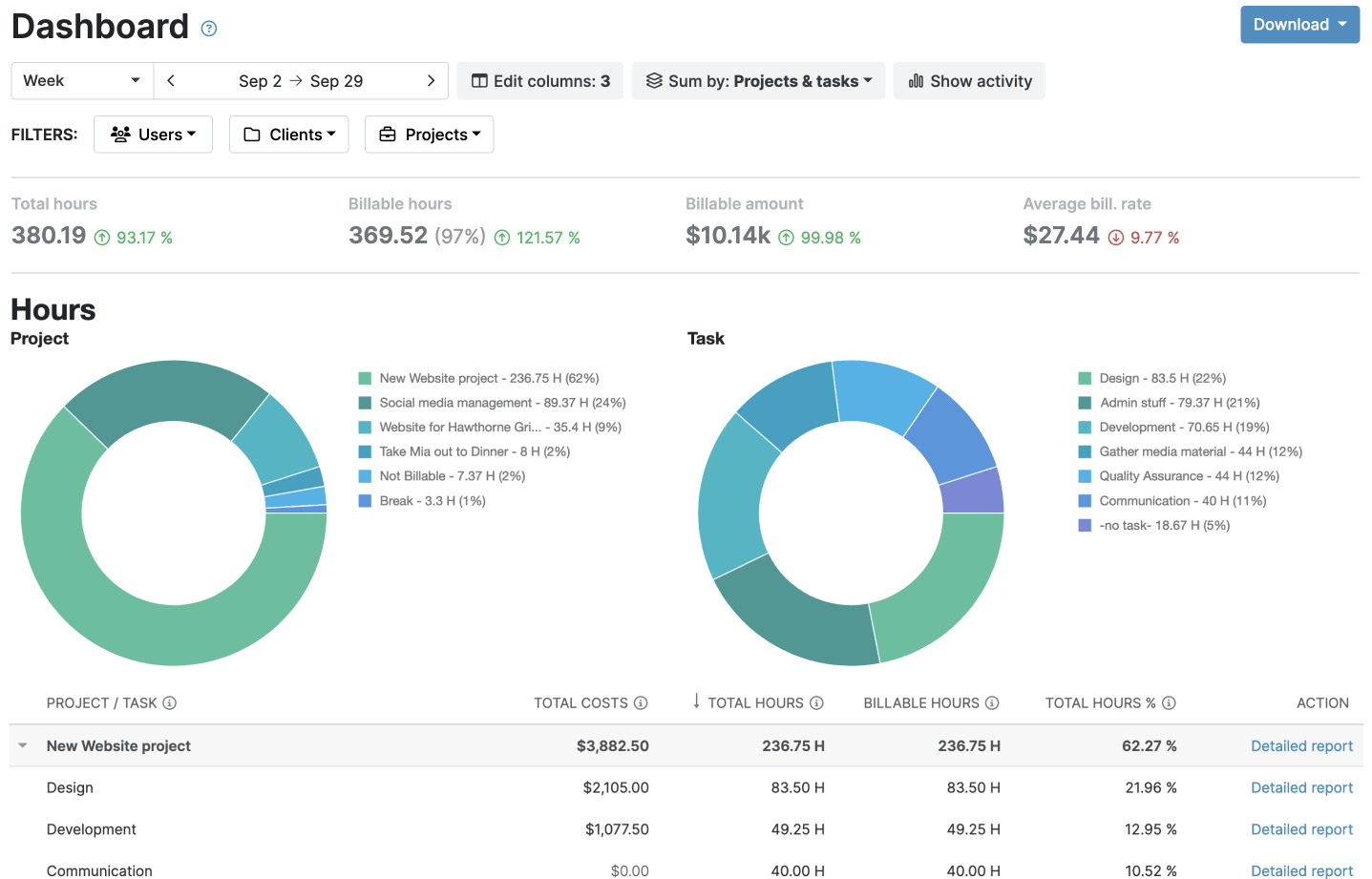
Detailed report: Review entries with notes, with columns and filters set to what each client needs.
Download both as PDF or XLS.
Attendance report: Check daily hours, first arrival, last departure, and overtime against target hours.
Download both as XLS.
"[...] it is very important for me to track my estimates versus actual time spent on a project [...] and MyHours provides numerous reporting capabilities to assist me in my time breakdown across tasks, projects, and clients."
Invoice From Approved Hours
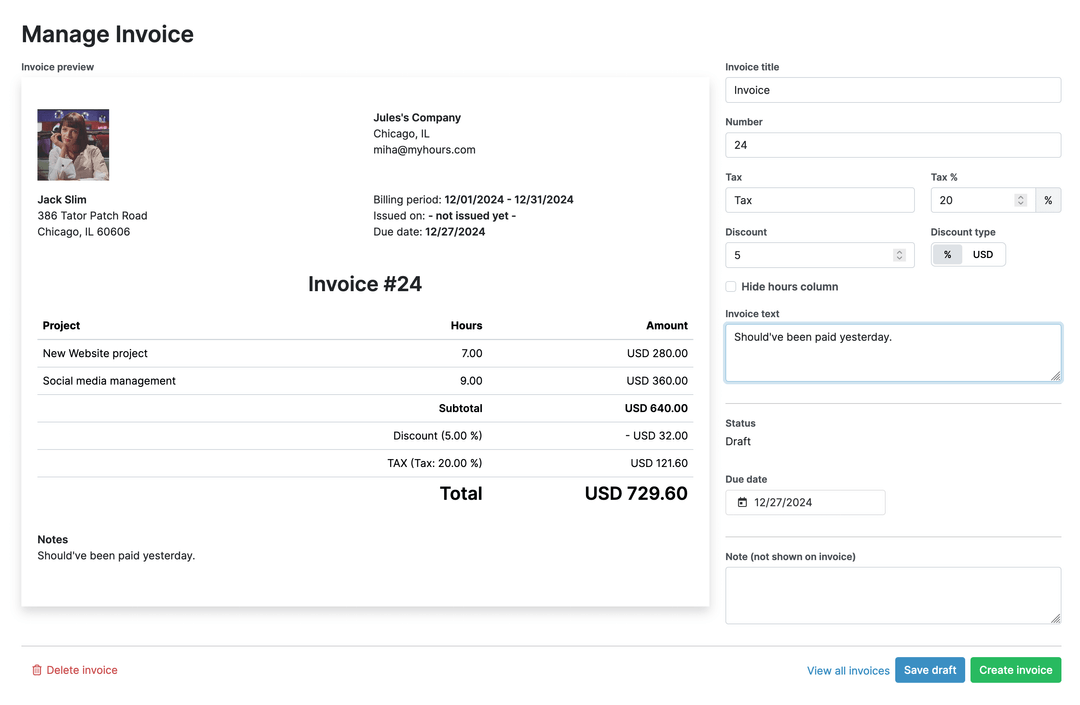
Once hours and expenses have been reviewed, they're ready to bill. With built-in invoicing, My Hours creates each invoice from the billable time and expenses already logged on the project.
"[...] I use this information for charging my time to clients. I use the reports to extract information I send to clients confirming time spent on projects and bill accordingly."
Protect Client Code and Project Data
Development teams often work under NDAs, and their time records hold client and project details along with billing rates. My Hours protects that information with certified security practices and role-based access.

Try My Hours for Free
From bug fixes to new features, My Hours shows where your team's hours go and turns billable work into accurate client invoices.
Trusted by more than 100,000 businesses since 2002, My Hours is quick to set up and backed by 24/7 customer support and enterprise-grade security.
Start with the Free plan for up to five users, for an unlimited time, or explore the platform's full capabilities with a 14-day free trial. No credit card required.
"The function I use the most is to create tasks to find out how many hours are spent on each one. Thanks to My Hours, this job is done quickly and with just a few clicks."
Your data stays protected and compliant at every step.




Frequently Asked Questions
My Hours time tracking features

Timer or weekly timesheet
Track time with our seamless timer or enter your time through our keyboard-friendly timesheet. Add a description and custom inputs.

Set billable rates and budgets
Automate calculation of billable amounts by setting precise hourly rates by project, task or team member. Add a project budget to monitor its progress.

Analyze logged hours & expenses
With the Dashboard you’ll get a bird’s-eye view of billable vs non billable hours, earned income by project, under- or over-utilized employees and more.

Generate custom reports
Detailed reports are completely customizable and display as much information as needed. Print to PDF, export to XLS or send schedule it via email.

Manage tasks
Add and assign tasks with an estimated budget. Create templates when identical tasks appear across projects.

Submit and approve timesheets
Supervisors get email whenever timesheets are submitted. Each timesheet can be approved or rejected with an email message.

Set flexible roles
Invite your team to track time on their projects without seeing each other’s hours and rates. Designate managers to oversee their team and manage their work.

Prevent inconsistent reporting
Lock team’s time logs to prevent editing or adding new logs in a selected period. Download the audit log report to keep your books in order.

Streamline invoicing
Create numbered invoices straight from hours logged. Integrations with the most popular invoicing apps are available to all customers.

Integrate with other tools
Connect My Hours data with other tools or vice versa through Zapier connectors. Alternatively, use our API to develop your own integration.

Access from anywhere
My Hours is a cloud-based app with nothing to install. View and manage your hours from any web browser or install our native mobile apps.

Secure infrastructure
My Hours is hosted in Microsofts Azure cloud and we are proud of 99.95% uptime. We perform regular security checks to keep your data in safe hands.
Highest praise from our customers


Waste no more time,
jump right in!

All rights reserved.